 | After placing Getintent pixels on advertiser's site/newsletter (for more details JS pixels placing specification and Non-JS pixels placing specification (mailing, etc.)) create and configure retargeting segments in the Getintent interface. |
1. Go to «Segment definitions» tab and click "Create new segment":
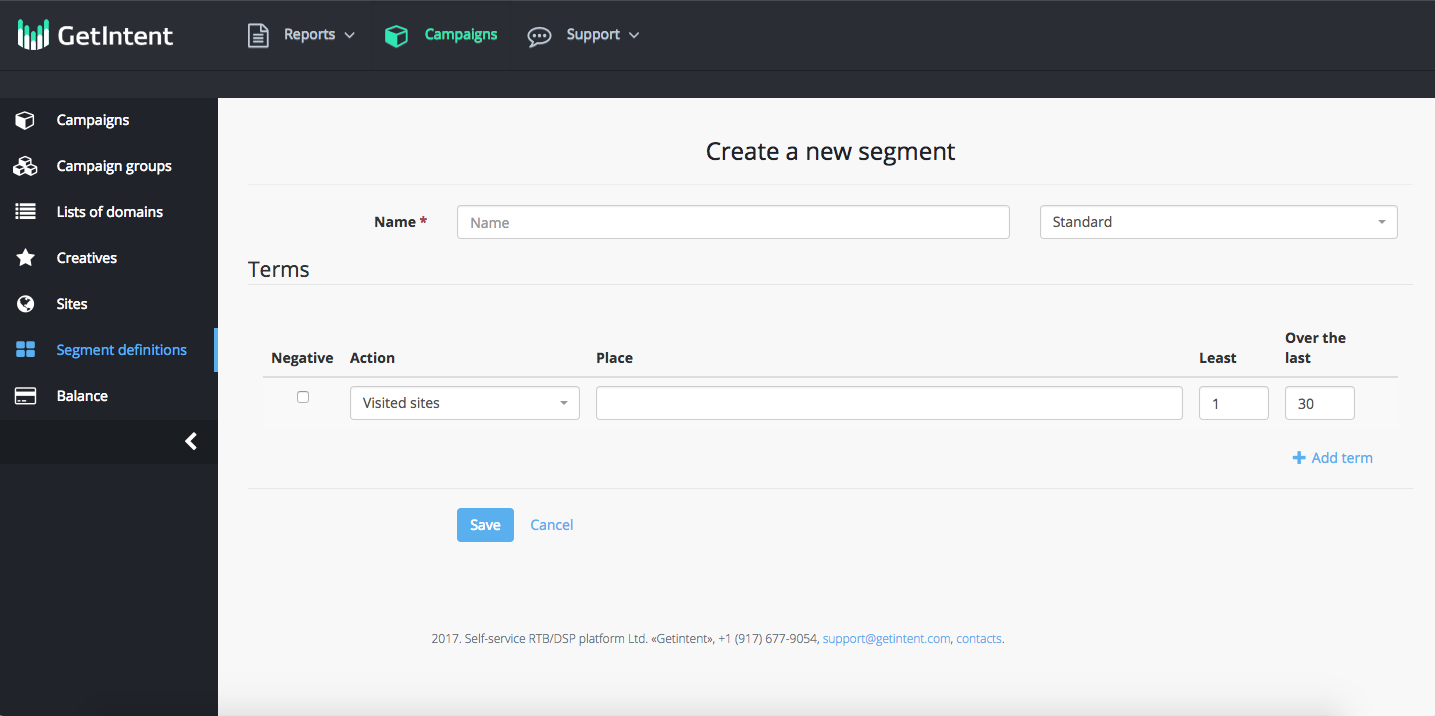
2. Create a new segment:
Name: name a new segmnent (use the Latin alphabet)
Terms – in this section you can add different rules for segments.
...
An example of a customized segment rule: a user who visited the site, but didn’t make a purchase.
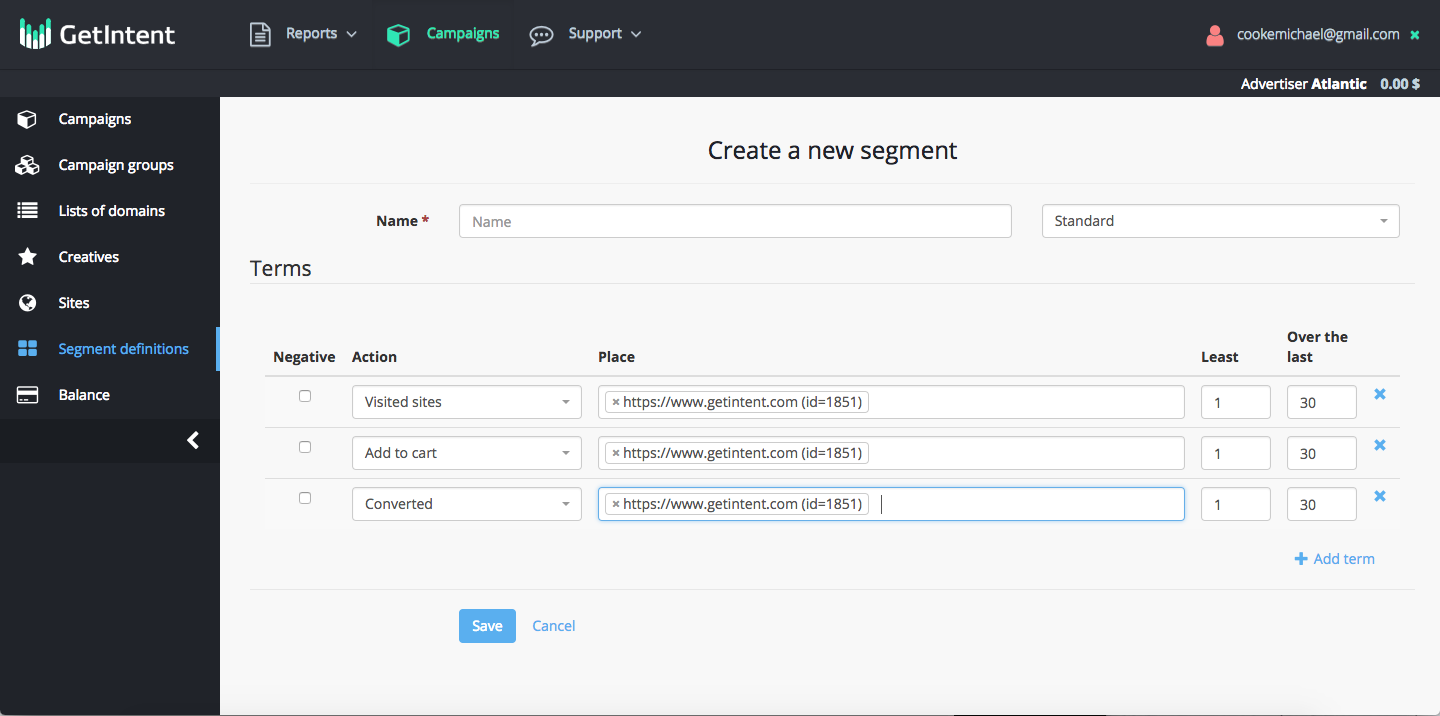
Then click the “Save” button.
Segment is added and can be used in Campaign Settings
After pixel has been successfully installed and segments have been created the volume can be seen (a statistics updates the day after creating a segment) in the "Segments" tab.