...
Go to «Segment definitions» tab and click "Create a new segment":
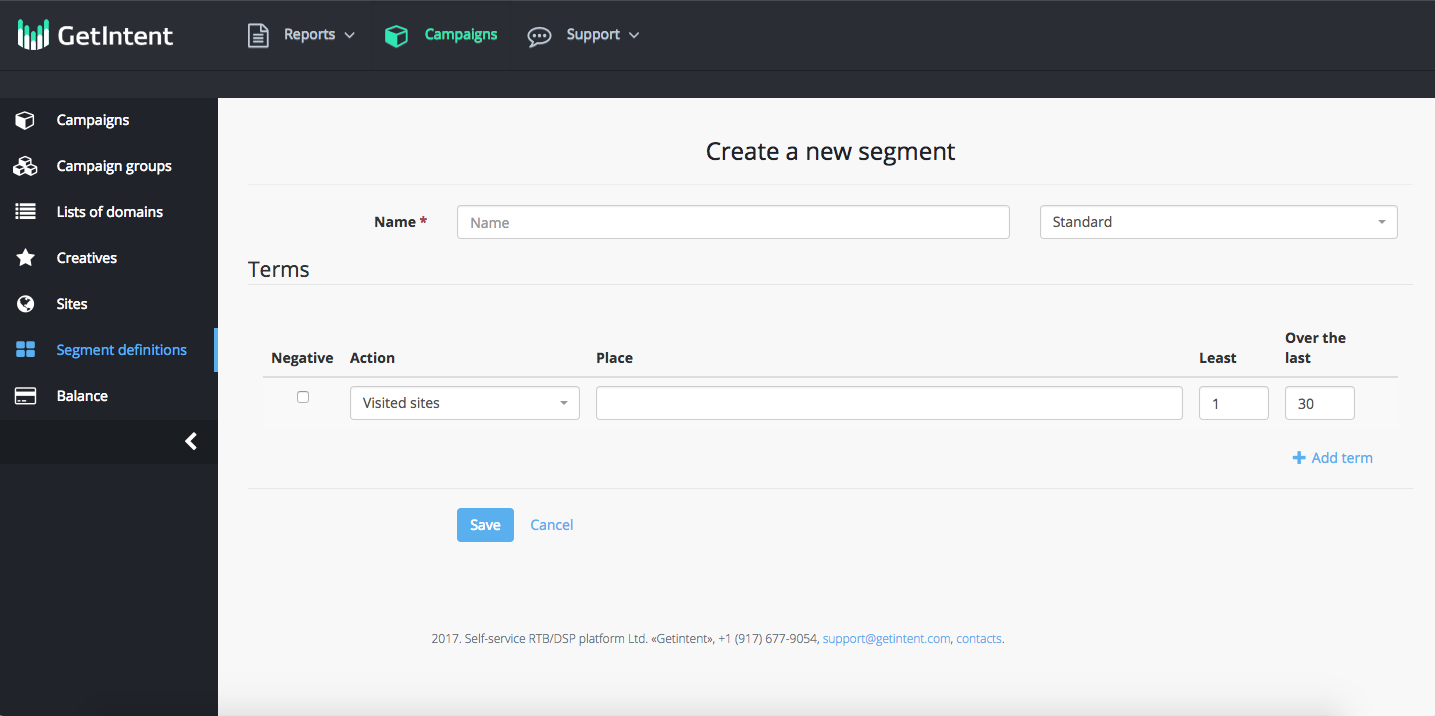
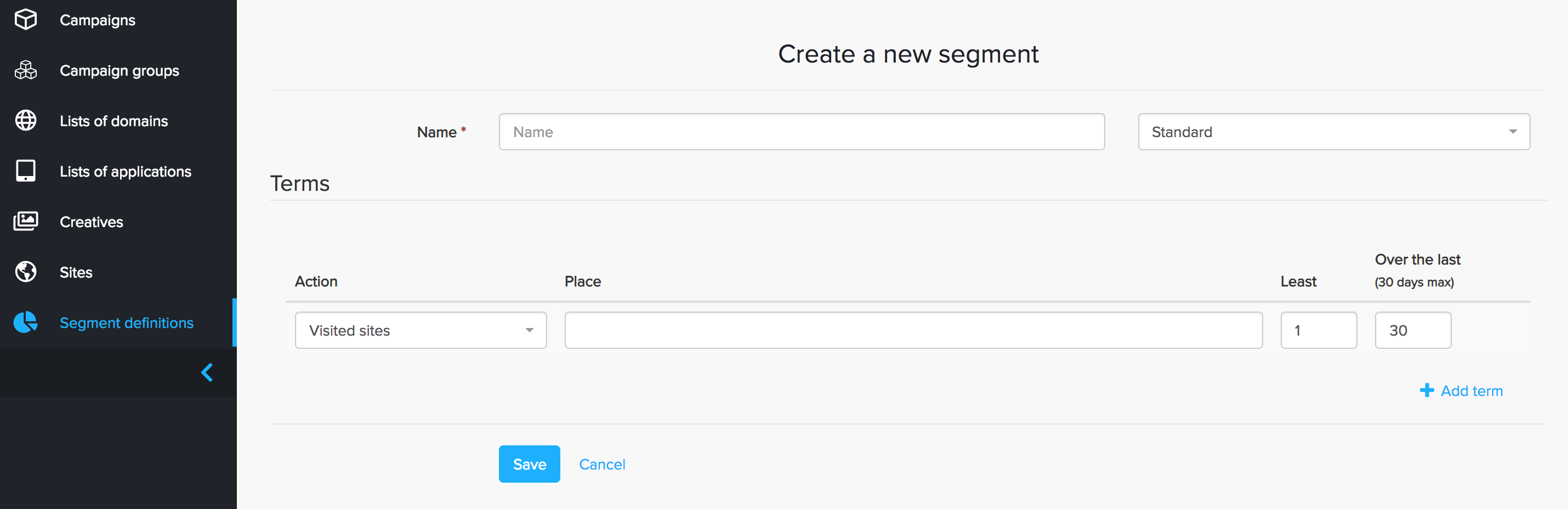
Create a new segment:
Name : name – name a new segmnent segment (use the Latin alphabet)
Terms – in this section you can add different rules for segments.Checkbox "Negative" - when you activate this checkbox it activates an excluding logic for this rule.
Action – select the rule for users tagging (for all the actions functioning install all three types of pixels on the site).
...
Over the last – in this field you can specify the number of days in the previous period, which will be counted for the selected action (we recommend to use not more than maximum 30 days ).
An example of a customized segment rule: a user who visited the site, but didn’t make a purchase.
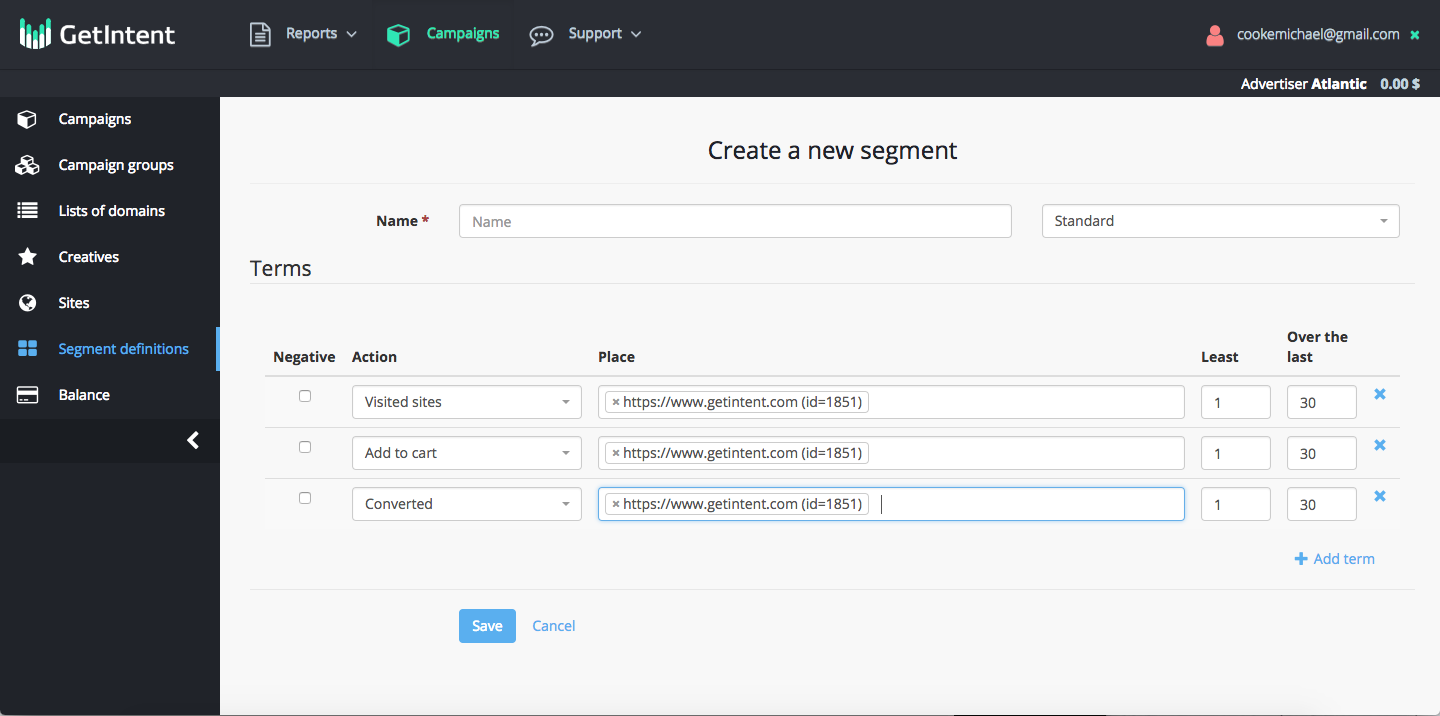 can be used).
Then click the “Save” button.
Segment is added and can be used in Campaign Settings.
After pixel has been successfully installed and segments have been created the volume can be seen (a statistics updates the day after creating a segment) in the "Segments" tab.