Desktop (browser) campaign - is a campaign targeted to computer web-browsers, mobile phones, and/or tablets. Campaigns which target web domains. Such campaigns include views from Desktop, Phone, Tablet, Smart TV and Game Console devices – wherever web Browser can be launched. You can select the device type in the campaign’s setting menu.
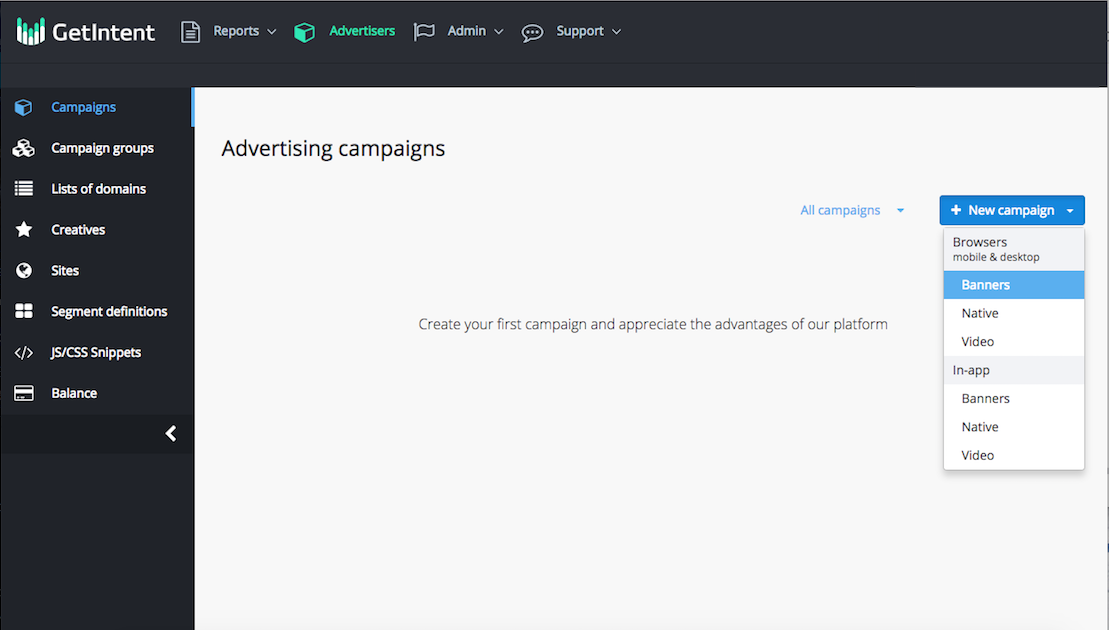
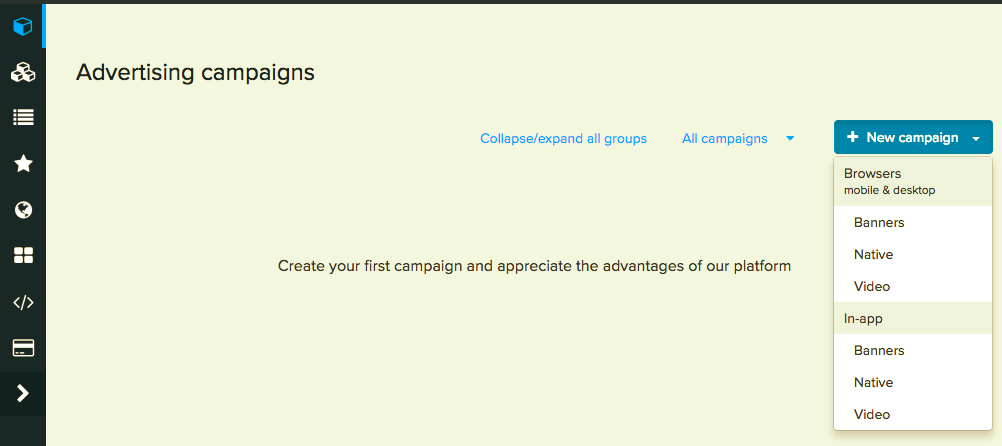
Go to the "Campaigns" tab and create a new browser desktop advertising campaign. For this, press "New campaign" and choose, what kind of creative do you want to use - Banners, Native or Video. Different types of creatives will lead to different creative settings later:
For all the types of creatives, there are similar sets of settings, divided into tabs and sections, which will be examined separately. You may see the following tabs on your "New campaign" page:
...