Сравнение версий
по сравнению с
Ключ
- Эта строка добавлена.
- Эта строка удалена.
- Изменено форматирование.
Creative upload menu is accessible via the left section of the GetIntent UI.
To upload a creative, press the New creative button and select the required creative type from the drop-down menu
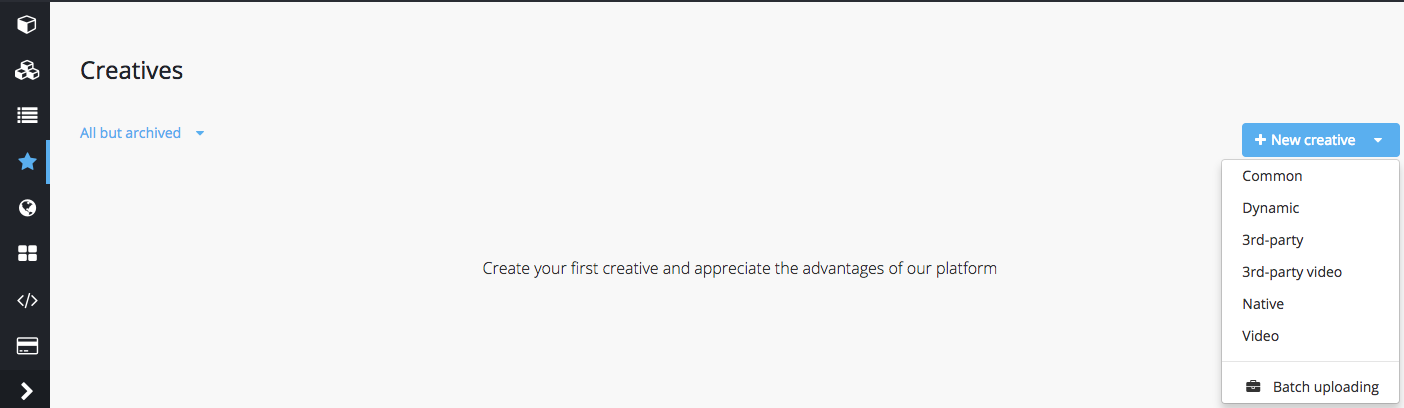 Image Modified
Be sure to check the technical requirements for the selected creative type before uploading files.
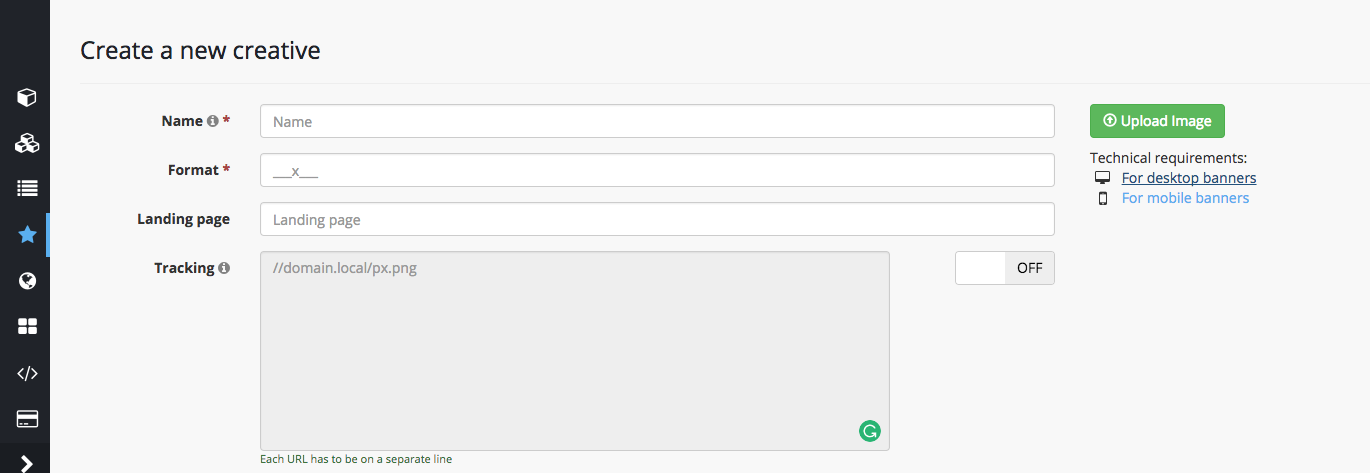 Image Added
Image Removed