...
Max CPM – selecting this option, you should set a maximum CPM price (excluding tax) in the «Price» field. With this setting, the system will buy traffic with a cost lower than the value in the «Price» field.
Target CPC – this option runs the Click Predictor algorithm, which will keep the cost of clicks equal to or lower than the value in the «Price» field to the extent possible possible. This option does not work in all cases because it depends on many factors: creative materials, client’s business area, etc
Fixed CPA -
Target CPA -
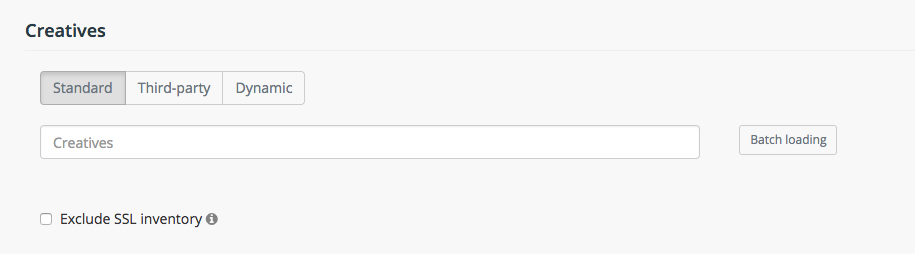
"Standart" - graphical creatives (.png, .jpg, .gif etc.) and HTML5
"Third-rd party" - a tag that is delivering from an external server - see Third-party tags
"Dynamic" - a tag that lets advertisers personalize every ad impression they serve by featuring products or content recently viewed or otherwise relevant to the user.
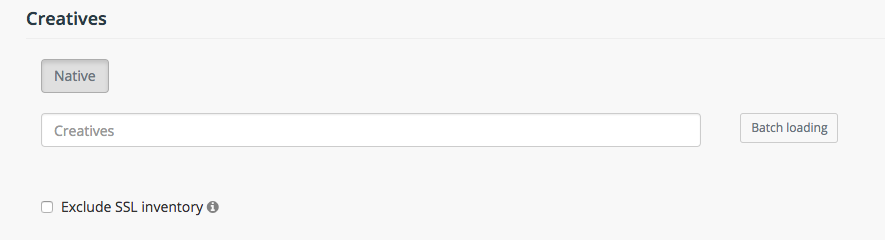
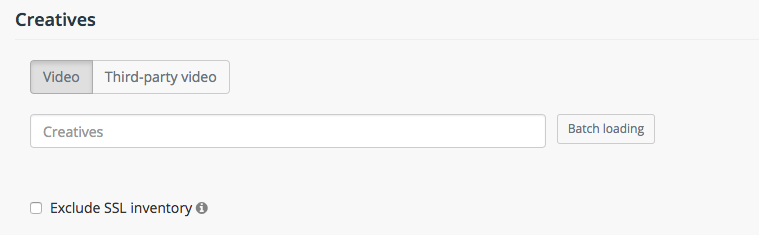
In all campaign types you can choose to Exclude SSL inventory, in order to prevent pixels without HTTPS support from loading on HTTPS websites.
Targeting
In this section we can set various rules for the campaign spending.
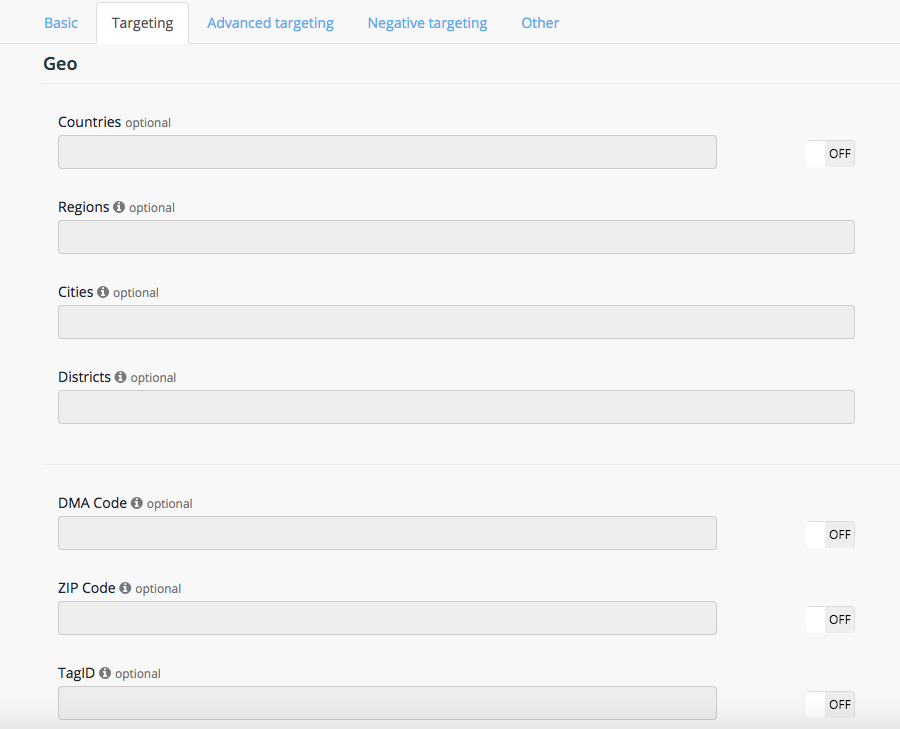
«Countries» - select the countries whose traffic you would like to target in the campaign.
«Regions» - select the regions whose traffic you would like to target in the campaign.
«Cities» - select the cities whose traffic you would like to target in the campaign.
«Districts» - available one for Russia
«DMA code» - a drop-down list of DMA codes. Select the DMAs whose traffic you would like to target in the campaign. Available only for US targeting
«ZIP Code» - select the ZIP codes whose traffic you would like to target in the campaign. Available only for US targeting
«TagID» - placement ID on publisher's website.
And add some other rules:
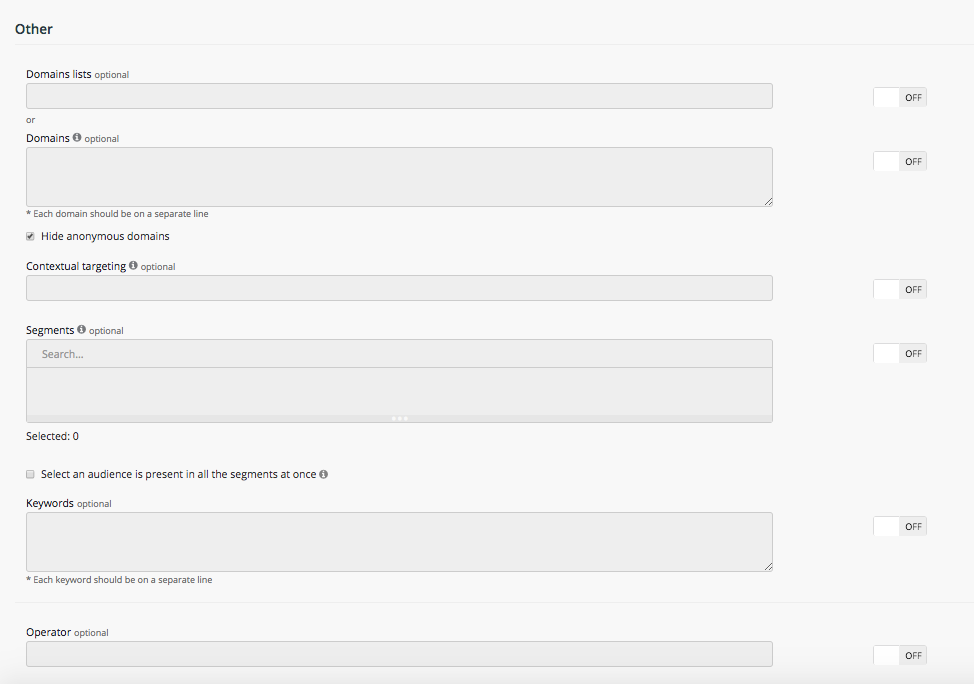
«Domains lists» - choose custom domain lists (default lists of theme-based Web sites are available). More information about creating a domain list can be found in section: Domains lists.
«Domains» - select the domains whose traffic you would like to target in the campaign. The list of domains can be found under the link
If the checkbox "Hide anonymous domains" is active, the campaign will be broadcasted only on opened domains.
«Segments» - selecting specific segments for publishing:
Inner segments (retargeting) – are to be created manually. Placement of the pixel on a client’s web site is required. Learn mote in section: Retargeting.
External segments - the same interests or demographics. The use of these segments increases the CPM to the value that is specified after the name of the segment. Learn mote in section: DMP.