...
Max CPM – selecting this option, you should set a maximum CPM price (excluding tax) in the «Price» field. With this setting, the system will buy traffic with a cost lower than the value in the «Price» field.
Target CPC – this option runs the Click Predictor algorithm, which will keep the cost of clicks equal to or lower than the value in the «Price» field to the extent possible possible. This option does not work in all cases because it depends on many factors: creative materials, client’s business area, etc
Fixed CPA -
Target CPA -
Fixed CPC -
«Agency, %» - agency enters the percentage of its commission. Client is able to see only the final billing, which already includes the agency commission.
Third, you have to attach your creatives to the campaign:
For Banners Campaign you can attach standart, third-party or dynamic types of previously uploaded creatives, by using "creatives" field and choosing from your list of previously upload creatives. To see, how to upload and add creatives to your advertiser account, see Creatives
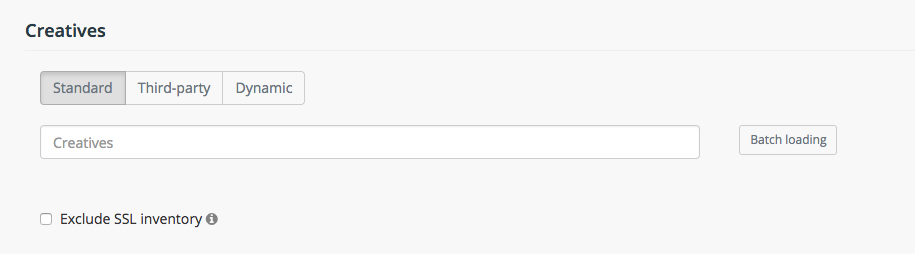
"Standart" - graphical creatives (.png, .jpg, .gif etc.) and HTML5
"Third-rd party" - a tag that is delivering from an external server - see Third-party tags
"Dynamic" - a tag that lets advertisers personalize every ad impression they serve by featuring products or content recently viewed or otherwise relevant to the user.
For Native campaigns you can upload your native creatives:
Targeting
In this section we can set various rules for the campaign.