Desktop (browser) campaign - is a campaign targeted to computer web-browsers, mobile phones, and /or tablets. You can select the device type in the campaign’s setting menu.
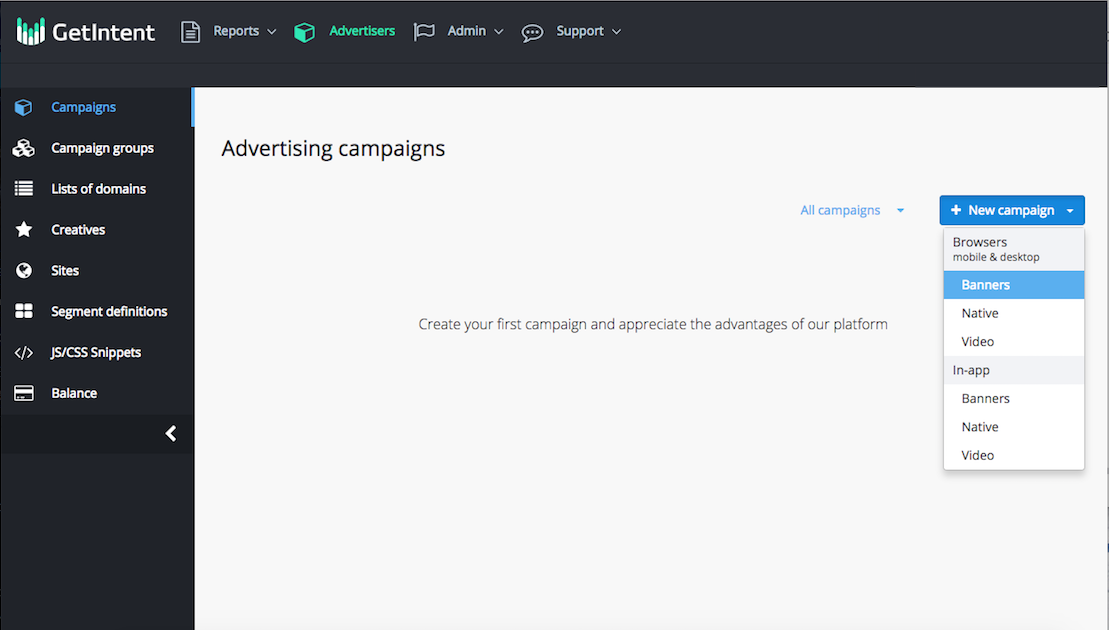
1. Go to the "Campaigns" tab and create a new browser desktop advertising campaign. For this, press "New campaign" and choose, what kind of creative you want to use - Banners, Native or Video. Different types of creatives would lead to different settings:
2. For all the types of creatives, there are similar sets of settings, divided into sections: