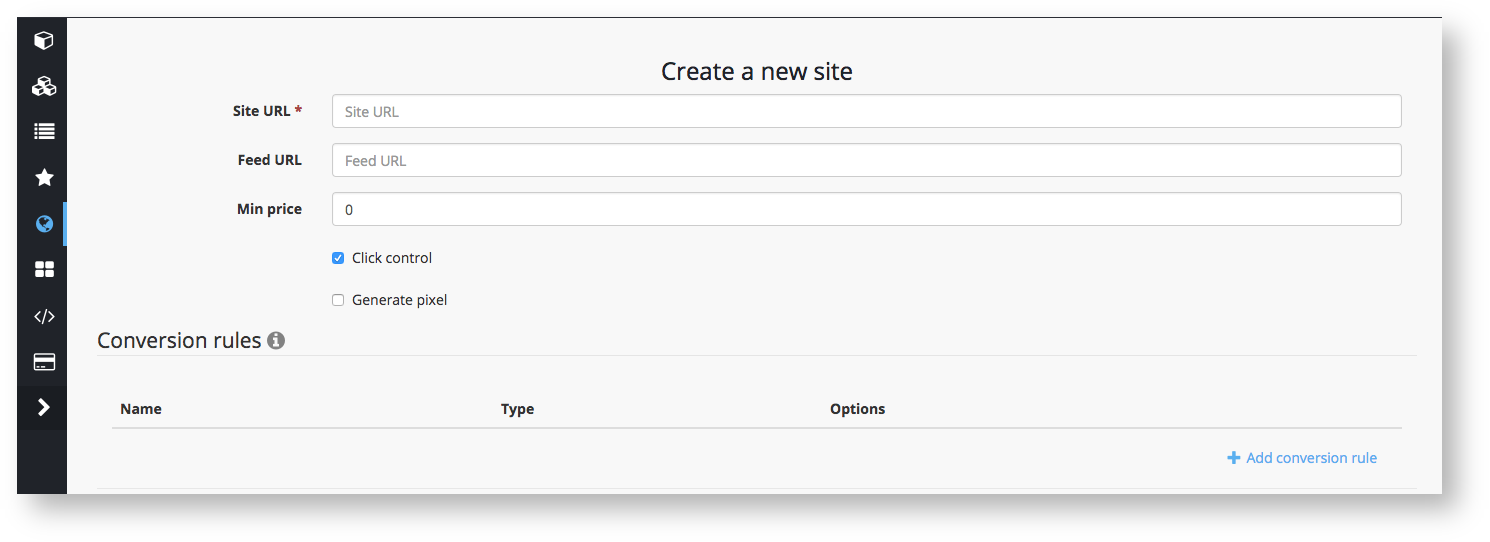
Each advertiser has the ability to "create" one or more sites in the interface.
Adding a website to the UI is necessary to:
- Create a unique pixel for client's site (JS pixels placing specification, Non-JS pixels placing specification)
- Link a website and YML feed to create dynamic creatives (Adding XML feed and dynamic creative Product Feed and Dynamic Creative settings)
- Configure additional conversion rules for the advertiser's site (Setting conversion rules)
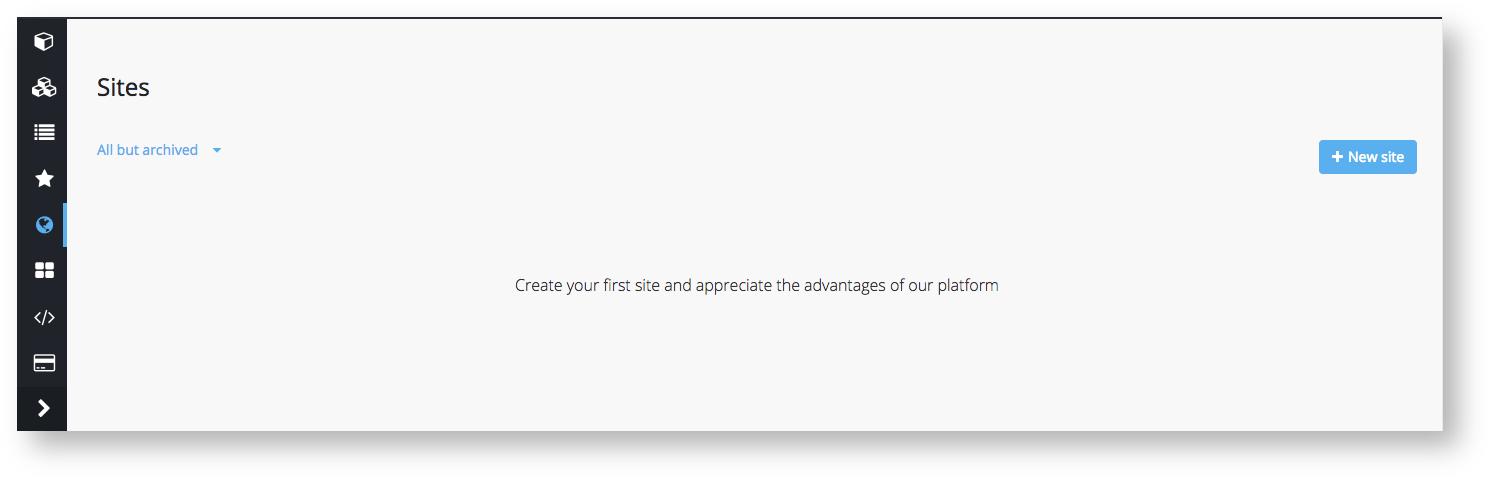
To create a site go to the "Sites" tab and add a new site
Then enter the site address in the http://getintent.com format and click "Save"
A new site will be added to the list of sites with a unique ID.
Use this number in the site_id parameter in the GetIntent tracking pixel (JS pixels placing specification, Non-JS pixels placing specification)