To create a dynamic creative follow these steps:
Оглавление
1. Assign the advertiser's site with XML feedProduct Feed
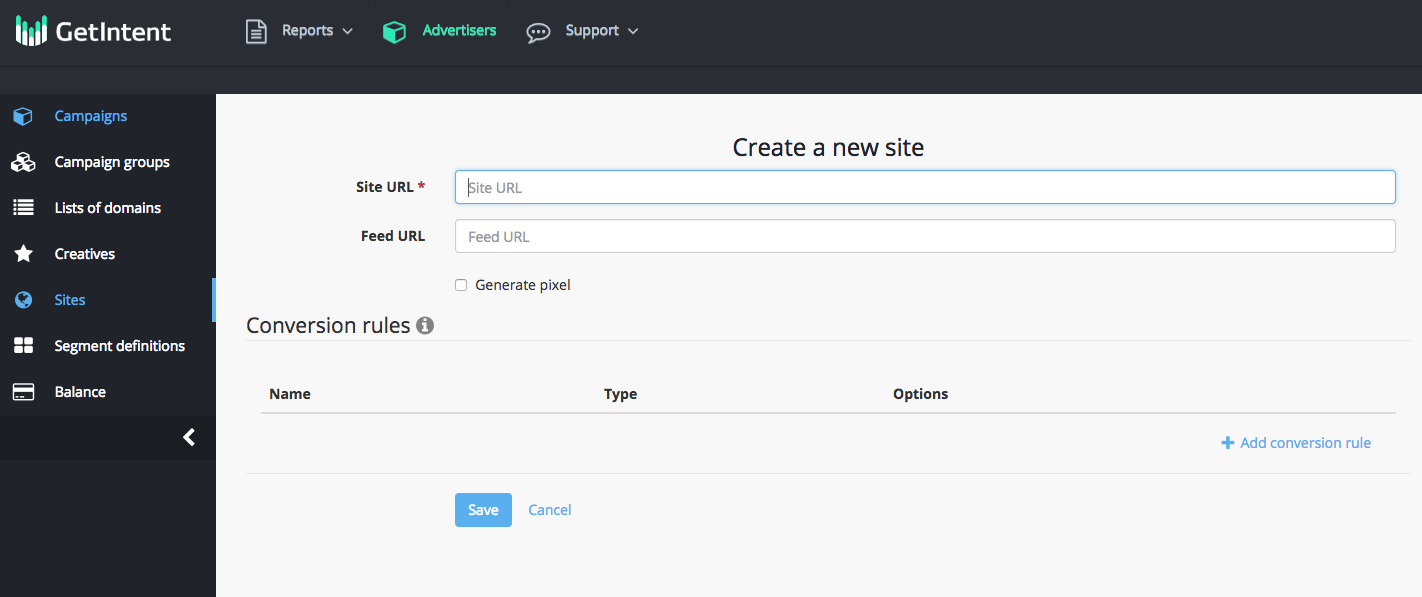
To do this, go to the "Sites" tab – “Create a new site” and add a link to
...
product feed.
...
...
Create a dynamic creative
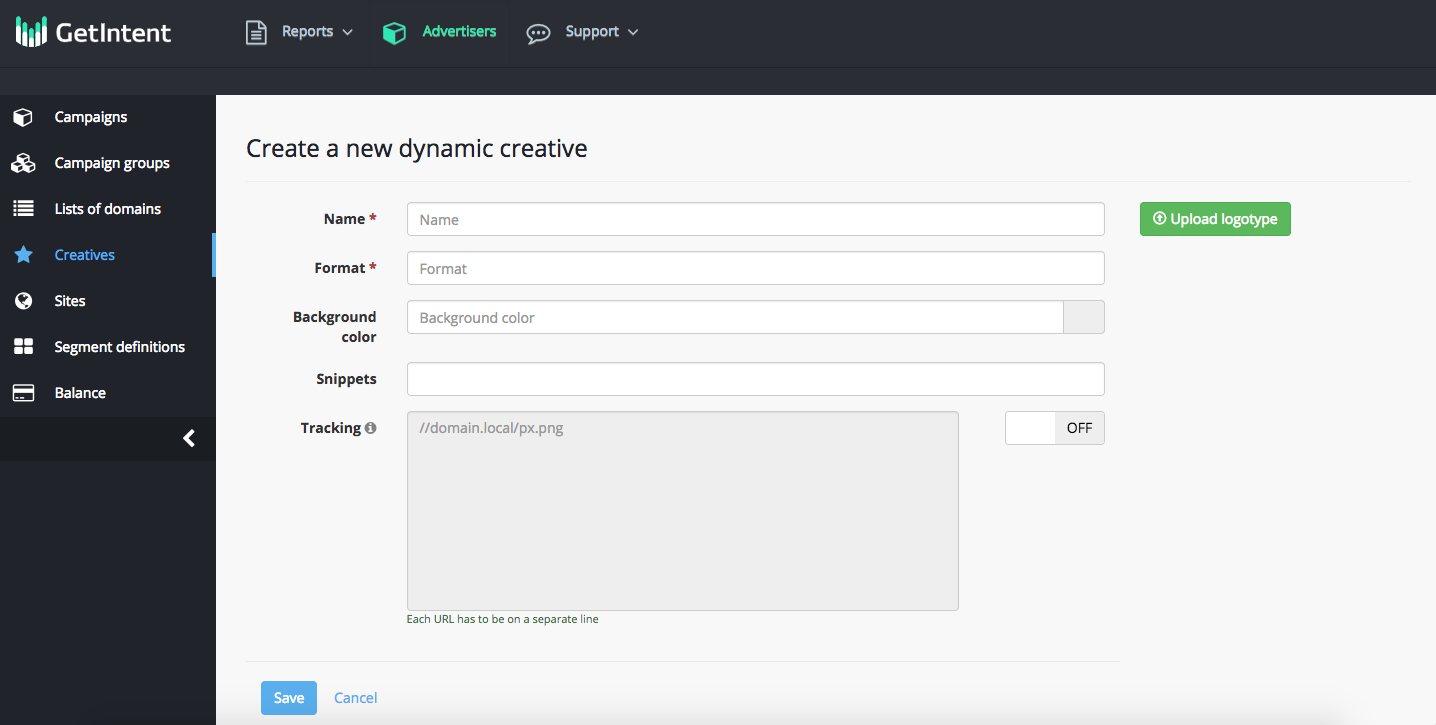
Go to the "Creatives" tab and add "Dynamic creative"
...
- Add a title
- Choose banner format
- Download an advertiser’s logo
- Select a banner snippet (template) that matches the size of the banner.
- Add tracking URL, upload logotype and its background color (optional)
3.
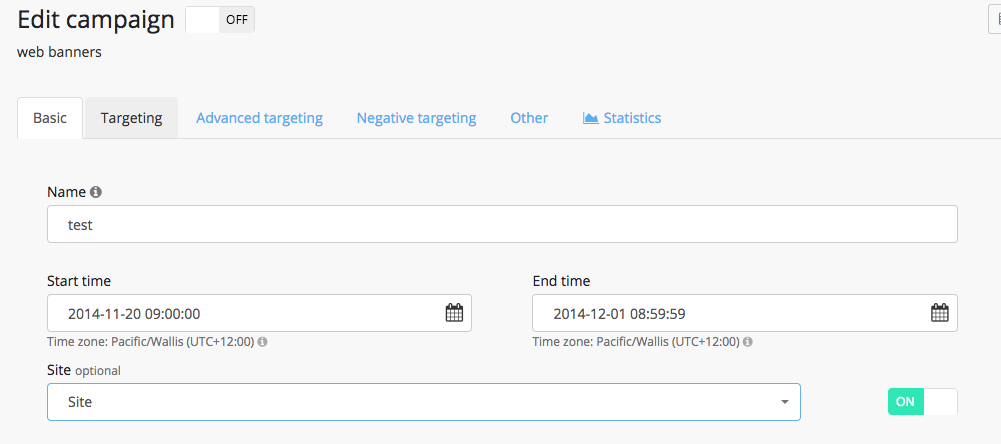
Select a dynamic banner and "site" in your campaign settings
...