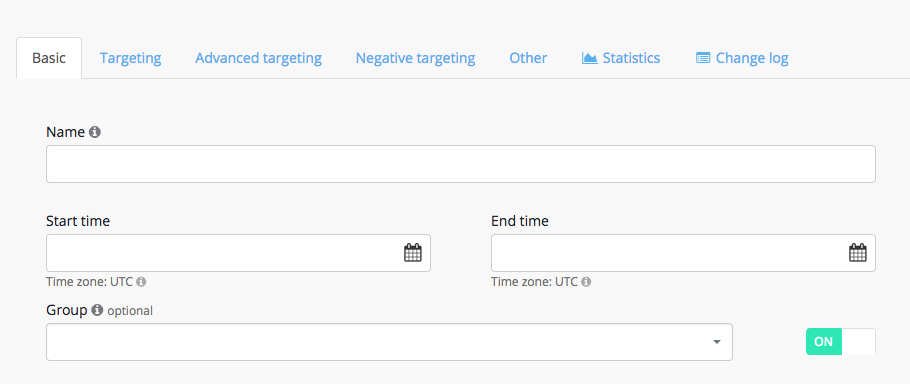
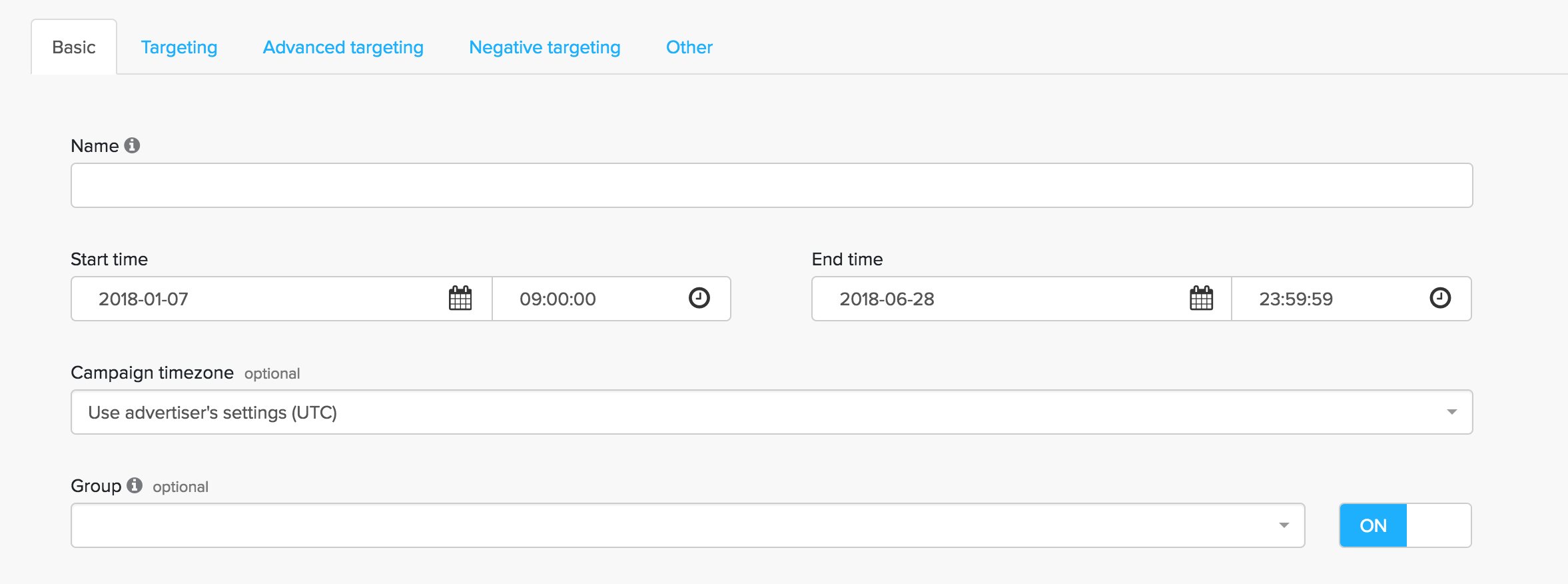
Getintent interface lets you create "Campaign Groups".
A "Campaign Group" allows you to combine several campaigns and set a budget limitation for the group.
This feature helps to avoid errors in your campaign budget. For example: You , you created many campaigns with different strategies and budgets and constantly make rates changes and redistribute budget between campaigns. In this case, the campaign group will help you to not exceed the total planned budget for all these campaigns, even if campaigns budgets will exceed campaigns group budget by mistake.
To create a new campaign group, you need to go to the tab "Campaign Groups" and create a new group:
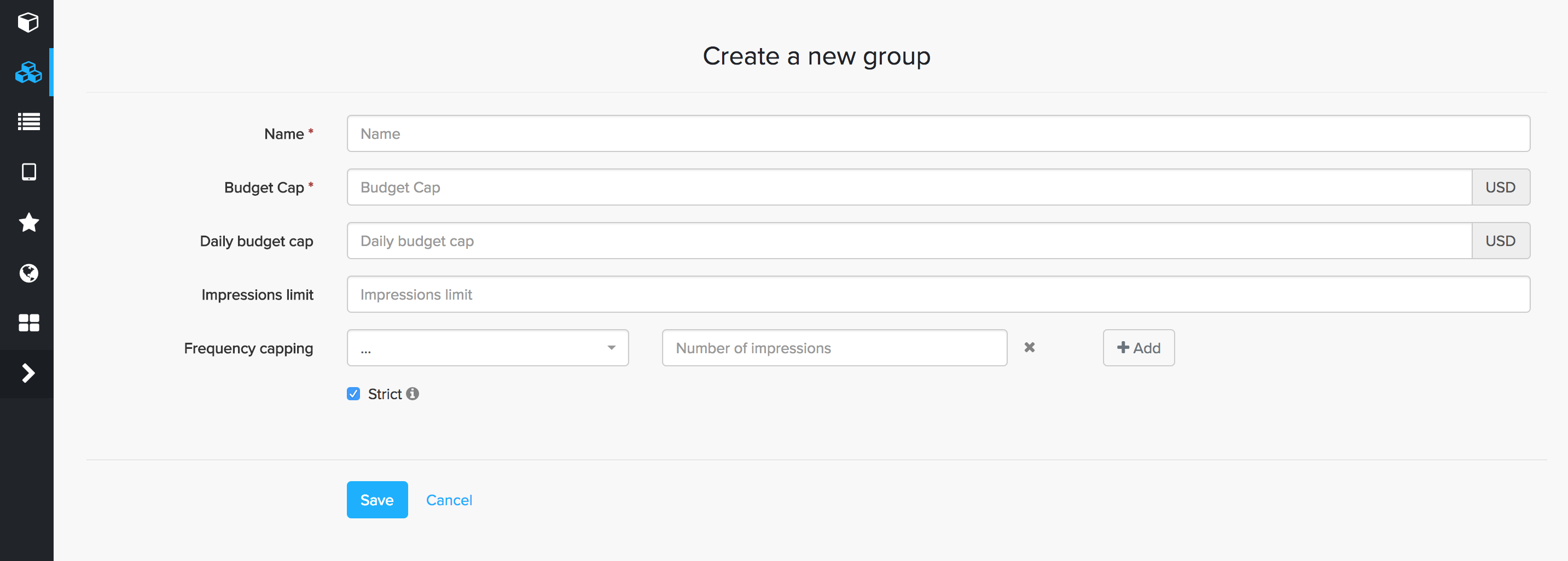
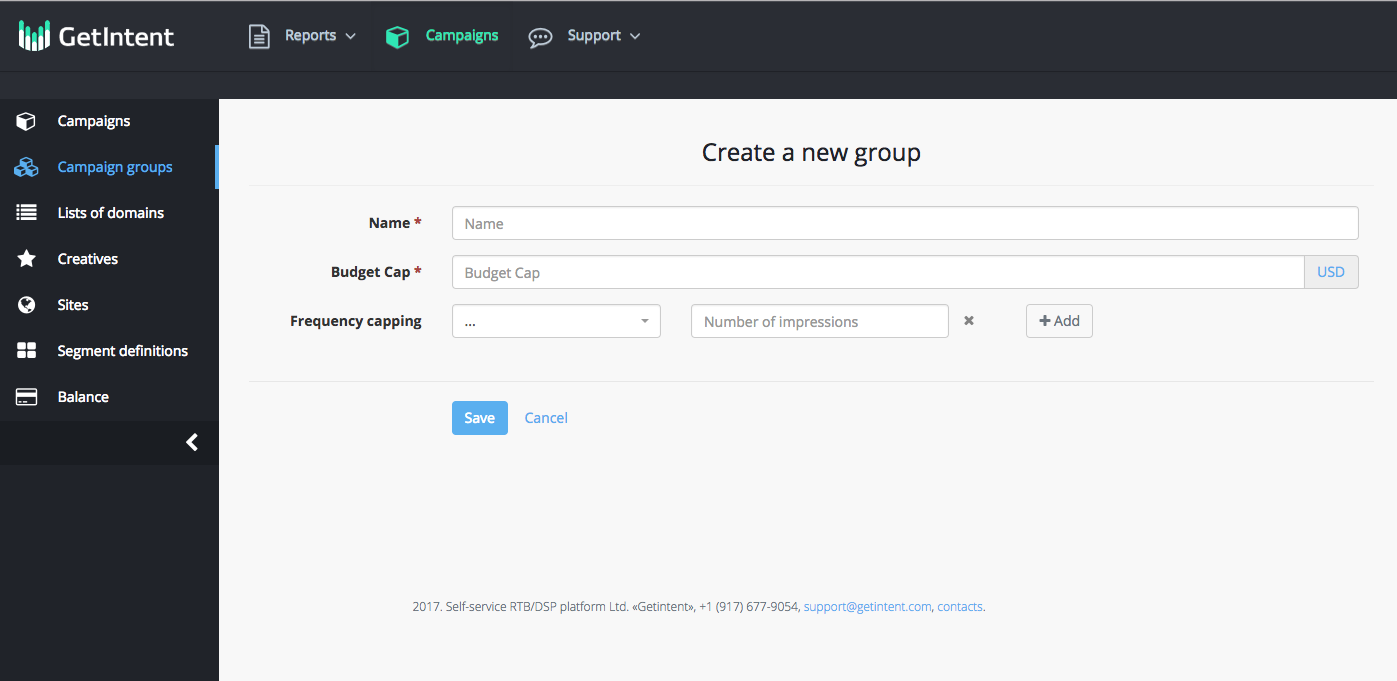
After entering the name of the group and group’s budget you need to save it.
Then assign nessesary campaigns to the group.
To do this, select the "Campaign Groups" in the campaign settings: