-
Создал(а)
 Неизвестный пользователь (ebortnikova) нояб. 23, 2017
Время чтения: 1 мин.
Неизвестный пользователь (ebortnikova) нояб. 23, 2017
Время чтения: 1 мин.
If your adserver can adjust the creative size to the ad placement size, you can use resizable creative settings.
You can use this feature in cases when, for example, a publisher has several different available formats – 336x280, 320x480, 300x600.
You have to upload 3 creatives for each of those size to your adserver, and then you can upload single tag to cover all the mentioned sizes.
Just set up Minimum and Maximum Width and Height and bid for all available sizes within the specified range.
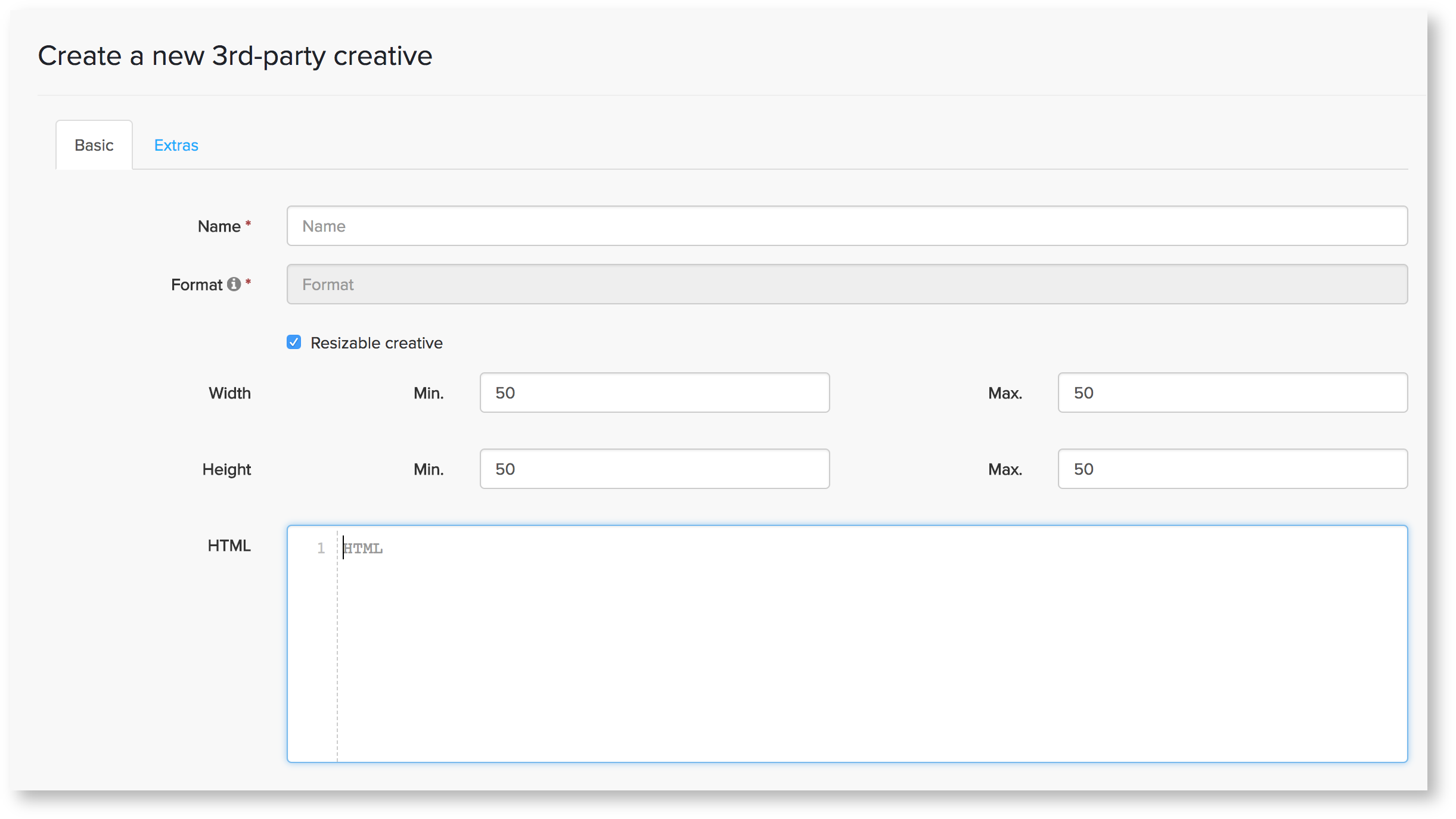
How to check if your creative is working fine with a resizable feature
You can test the ability of your tag to change size dynamically, by uploading the tag in Getintent UI and putting your creative ID in this link (instead of XXXXX):
https://px.adhigh.net/creative_preview?s=direct&c=XXXXX&size=100x100
You can change "size" parameter as well in order to test the sizes you want to cover.
!Important Macros [[WIDTH]] and [[HEIGHT]] are necessary for this type of creatives.