Self-service DSP Getintent provides the possibility to create a list of domains for easy white list and black list creating.
These lists of domains can be used for targeting and negative targeting.
To create a list of domains follow these steps:
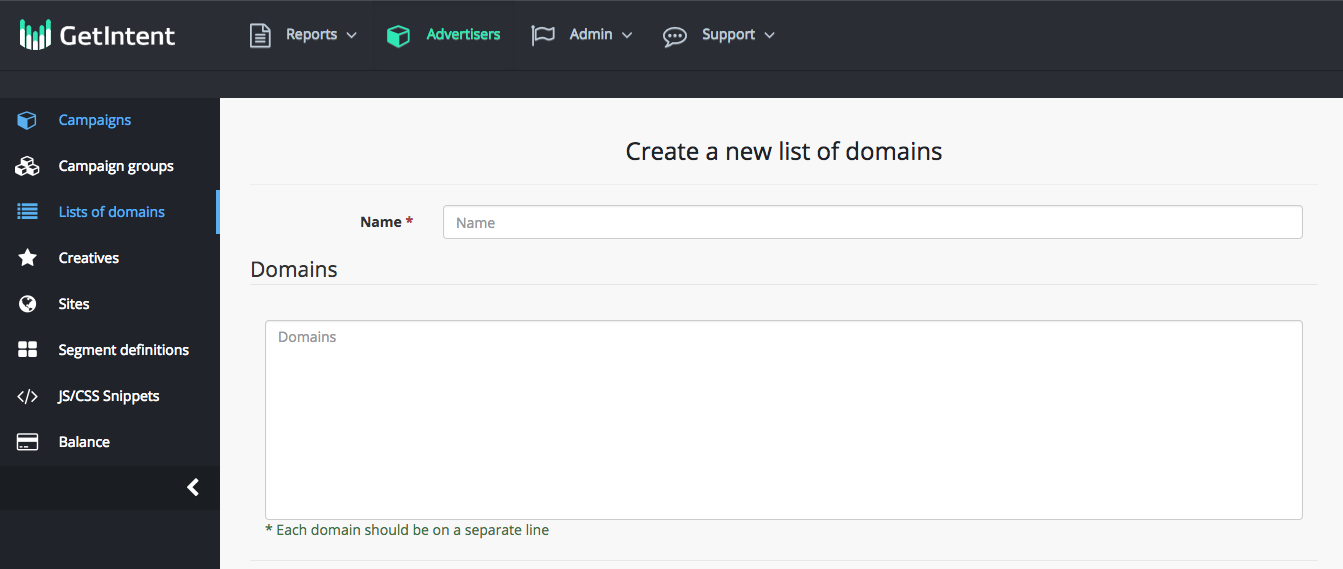
1. Go to the “List of domains" tab and create a new list
2. Assign a friendly name for it, so you don't get confused afterwards.
3. Add the domains. Each domain is to be entered in a separate line (this is a convenient way to copy a list from an Excel file)
Where to get a total list of domains to create lists?
There are 2 options:
1. The total list of domains is available in the Reports Builder (Reports Builder). To do this, select the dataset: available traffic and group it by top_level_domain and domain_category (other filters, e.g., country: US can be used optional).
Example:
report2. Using the information from the reports in the course of campaign. You can track the effectiveness of advertising campaigns by conversion rules (
Conversion rules setting) or by using Getintent macros (
Macros for detailed efficiency tracking ). Then choose the most effective or ineffective domains to create a list.