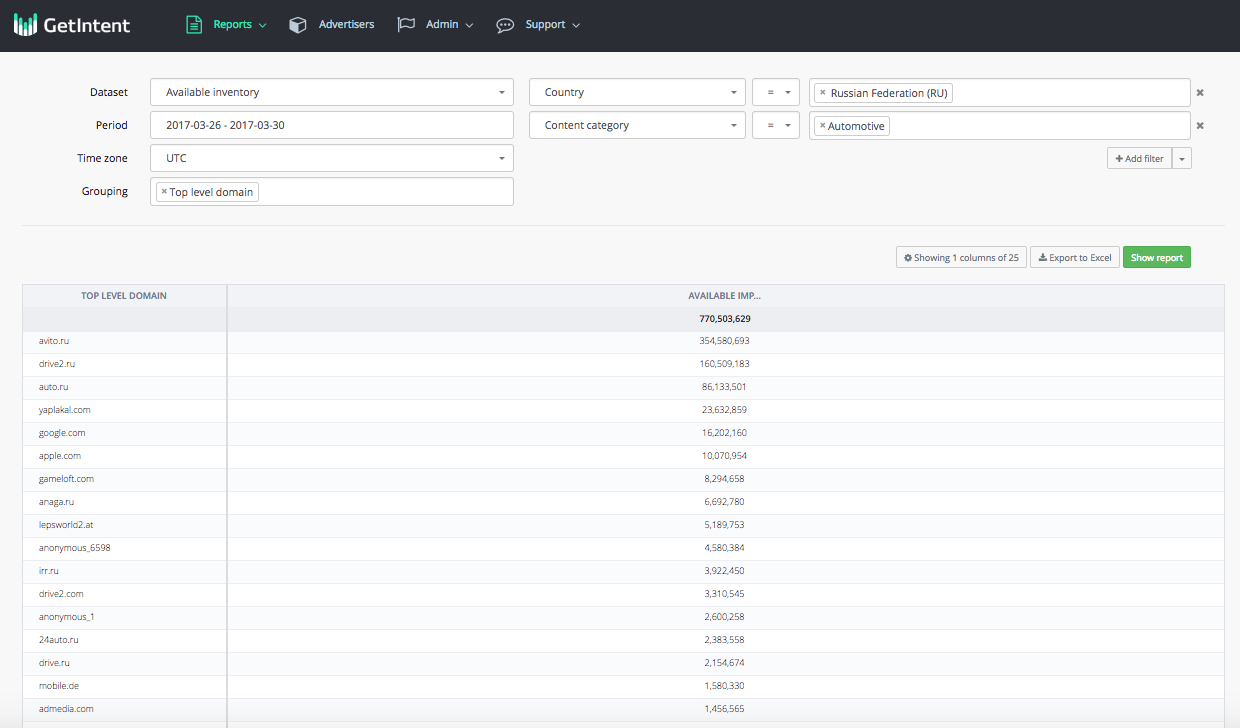
Getintent lets you use Report Biulder, which provides flexible adjustment to get the necessary reports with filtering and grouping.
| Getintent lets you use Report Biulder, which provides flexible adjustment to get the necessary reports with filtering and grouping. |
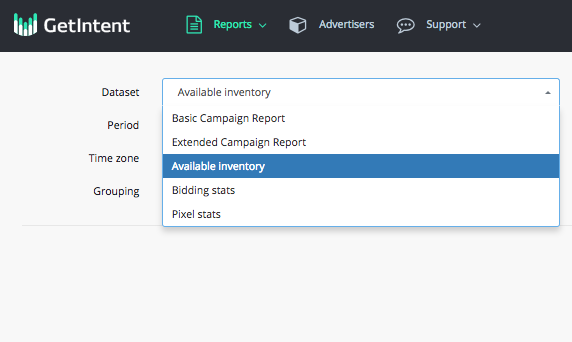
To build an available inventory report, go to the "Reports Builder" tab in the interface and select the "available inventory" dataset: