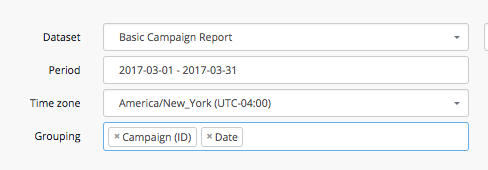
| Getintent Report Biulder provides flexible adjustment to get the necessary reports with filtering and grouping. |
To build a dynamic report, go to the relevant section in the interface:
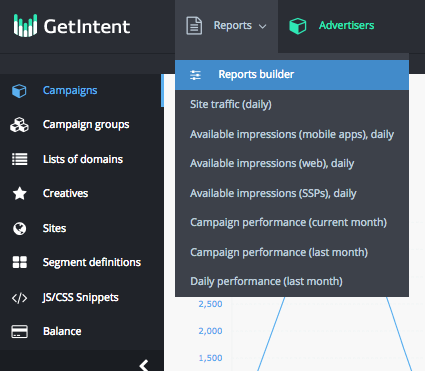
On the dynamic reports page there is a possibility to make the following settings:
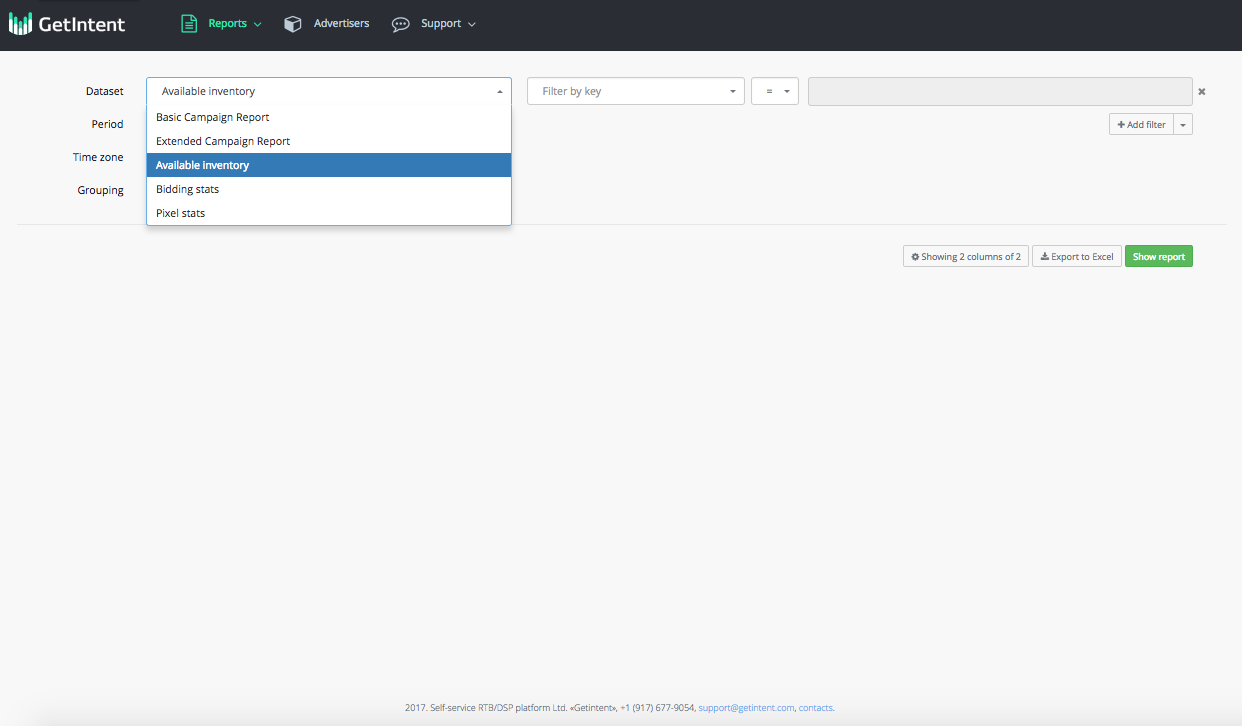
1. Dataset selecting
By default, a user is given a choice of two Datasets:
Basic campaign report – current and past advertising campaigns statistics.
Extended campaign report - advertisement campaign statistics, with the opportunity to use your campaign targeting divisions
Available inventory – all the available traffic information. This dataset should be used when planning to get information on the available traffic in various splits.
Bidding stats - all available information about bidding stats
Pixel stats - all available information about pixel stats
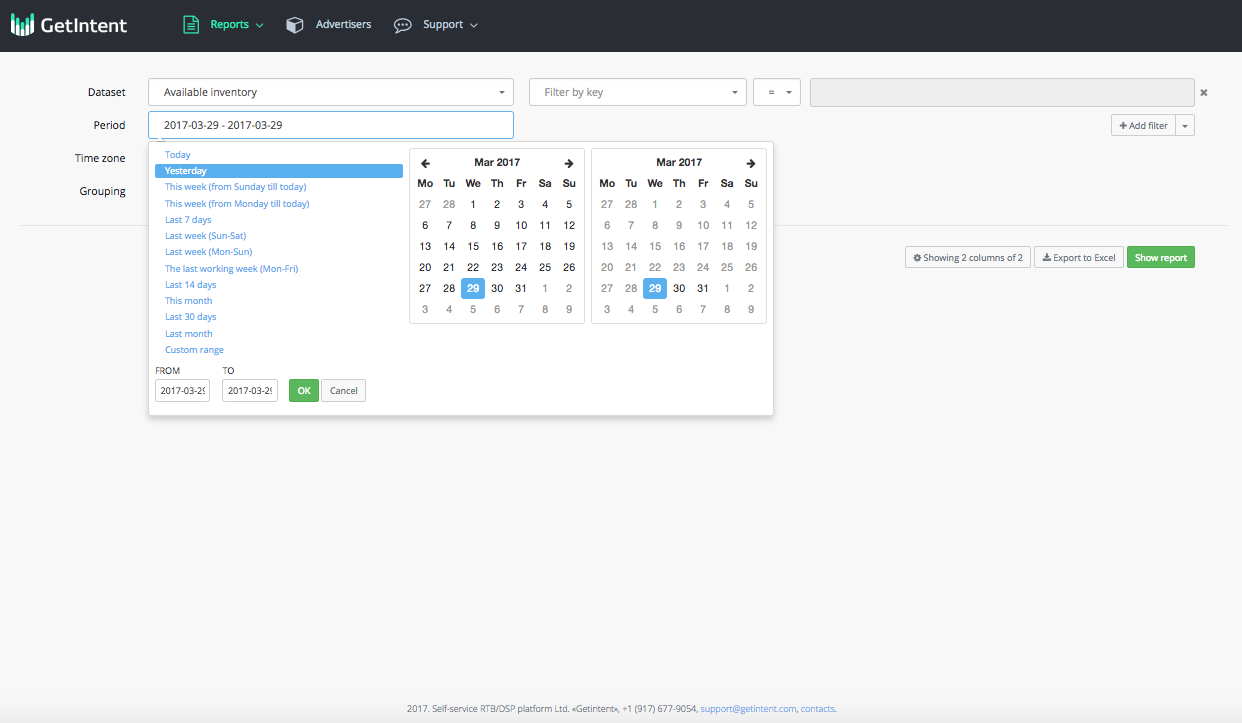
2. Period – there are extensive opportunities for choosing period. Selection can be made from templates, or you can set an arbitrary period.
3. Filter
To add a filter, click the "+ Add filter" link