Desktop (browser) campaign - a campaign which targets web domains. Such campaigns include views from Desktop, Phone, Tablet, Smart TV and Game Console devices – wherever web Browser can be launched. You can select the device type in the campaign’s setting menu.
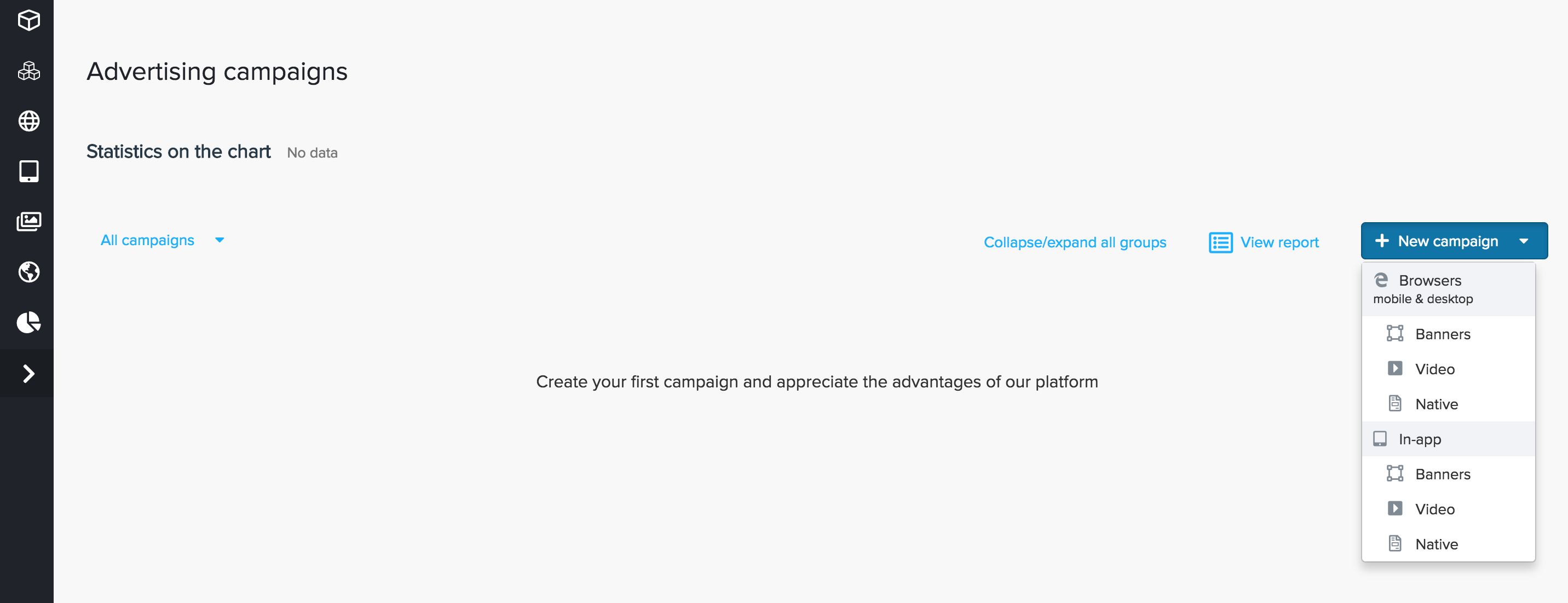
Go to the "Campaigns" tab and create a new browser desktop advertising campaign. For this, press "New campaign" and choose, what kind of creative do you want to use - Banners, Native or Video. Different types of creatives will lead to different creative settings later:
For all the types of creatives, there are similar sets of settings, divided into tabs and sections, which will be examined separately. You may see the following tabs on your "New campaign" page:
Inside this tab, you can see several sections - basic options, pricing, creatives.
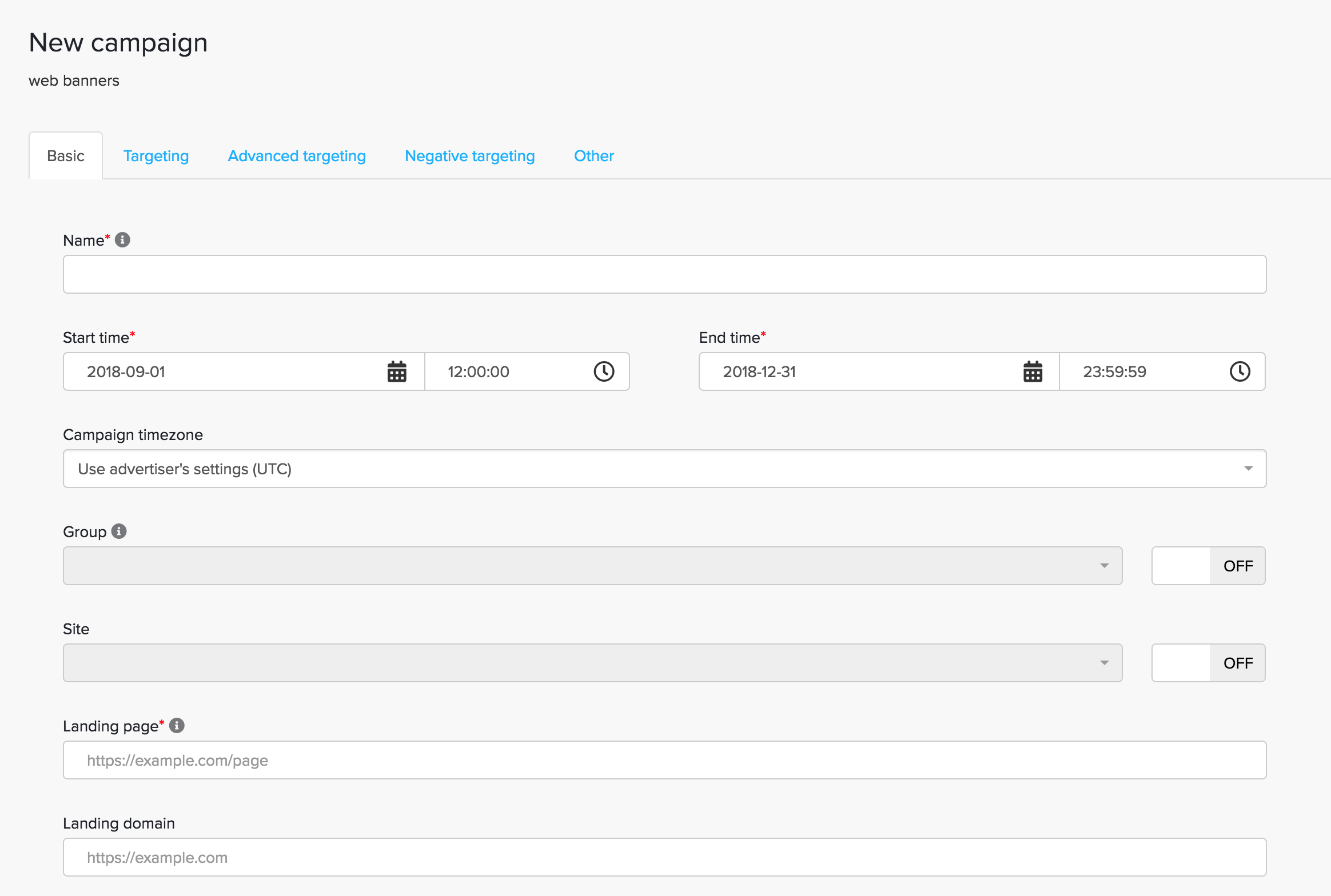
Name - enter the campaign name. The name must be entered in Latin alphabet with no spaces, in order to use it in UTM-tag if needed.
Start Time - End Time - enter the campaign period. The campaign budget will be spread evenly over this timeframe.
Campaign timezone - enter the campaign timezone, the default value is UTC.
Group - enter a
Site - this field is for a dynamic retargeting. For more information see Retargeting.
Landing page - enter the URL of the landing page (direct or through a tracking system).
Landing domain - enter the landing domain (optional).
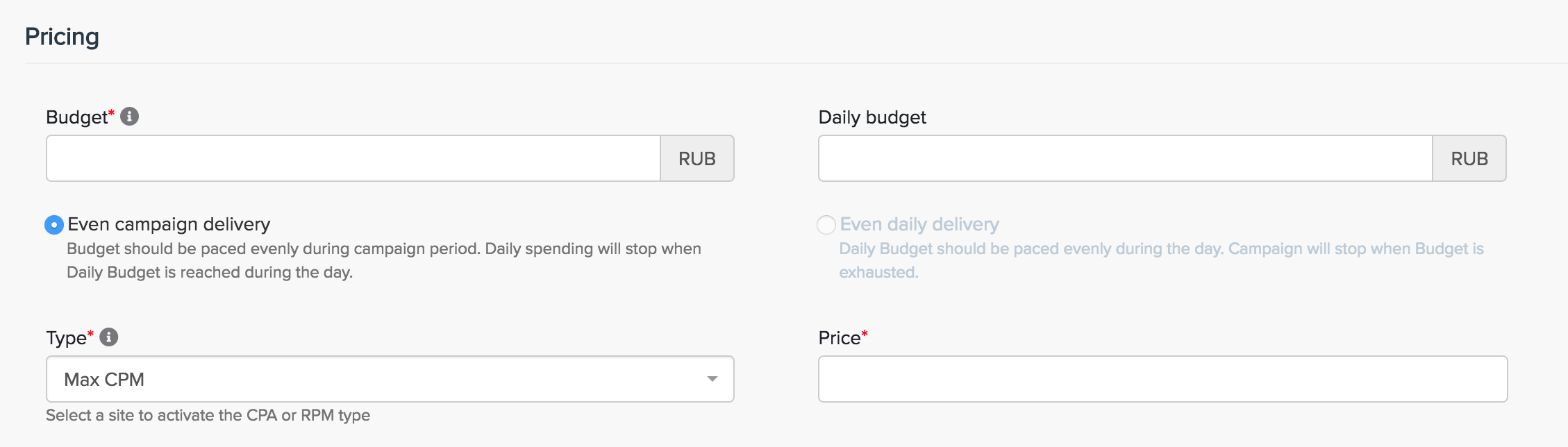
Budget - enter the budget of the campaign (excluding tax).
Daily Budget - a daily budget limit for a campaign (excluding tax).
Even daily/Even campaign delivery
Type - choose one of the following options:
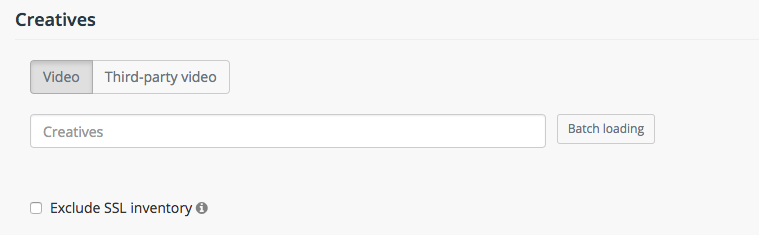
For Banners Campaign you can attach standard, third-party or dynamic types of previously uploaded creatives, by using "creatives" field and choosing from your list of previously uploaded creatives. To see, how to upload and add creatives to your advertiser account, see Creatives
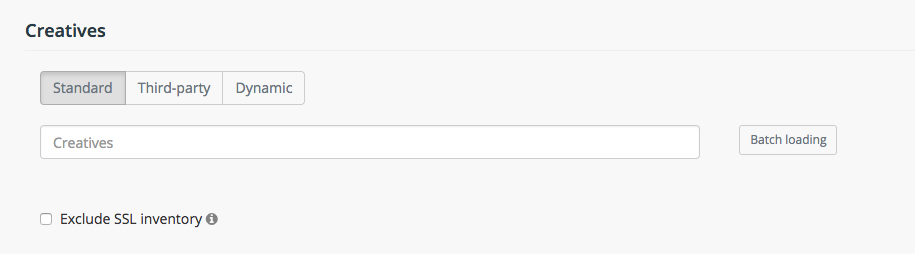
Creatives types:
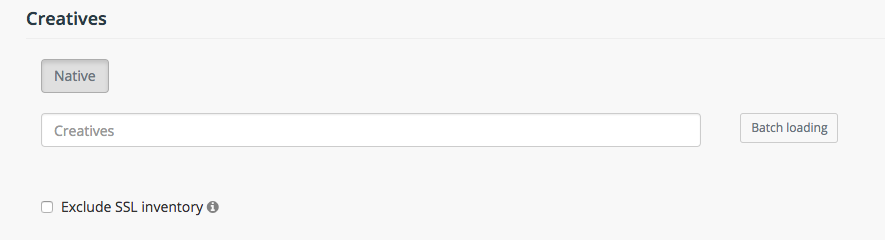
Exclude SSL inventory - In all campaign types, you can choose to Exclude SSL inventory, in order to prevent pixels without HTTPS support from loading on HTTPS websites.
For Native campaigns you can upload your native creatives:
In this section, we can set various rules for the campaign targeting.
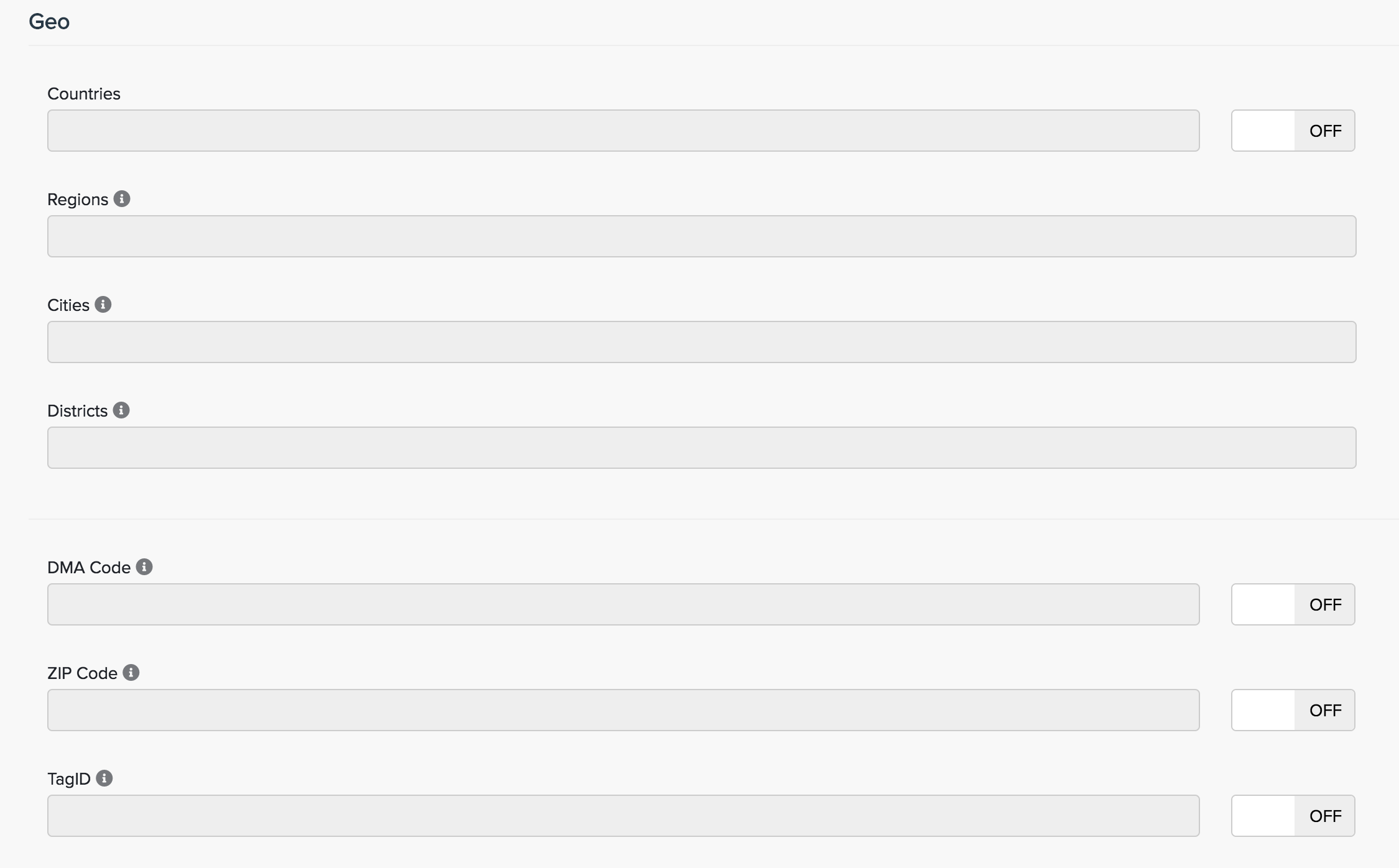
Countries - select countries which you would target.
Regions - select regions which you would target.
Cities - select cities which you would target.
Districts - available only in Russia. Select districts which you would target.
DMA code - a drop-down list of DMA codes. Select DMAs whose traffic you would like to target. Available only in the US.
ZIP Code - select ZIP codes whose traffic you would like to target. Available only in the US.
Tag ID - placement ID on publisher's website.
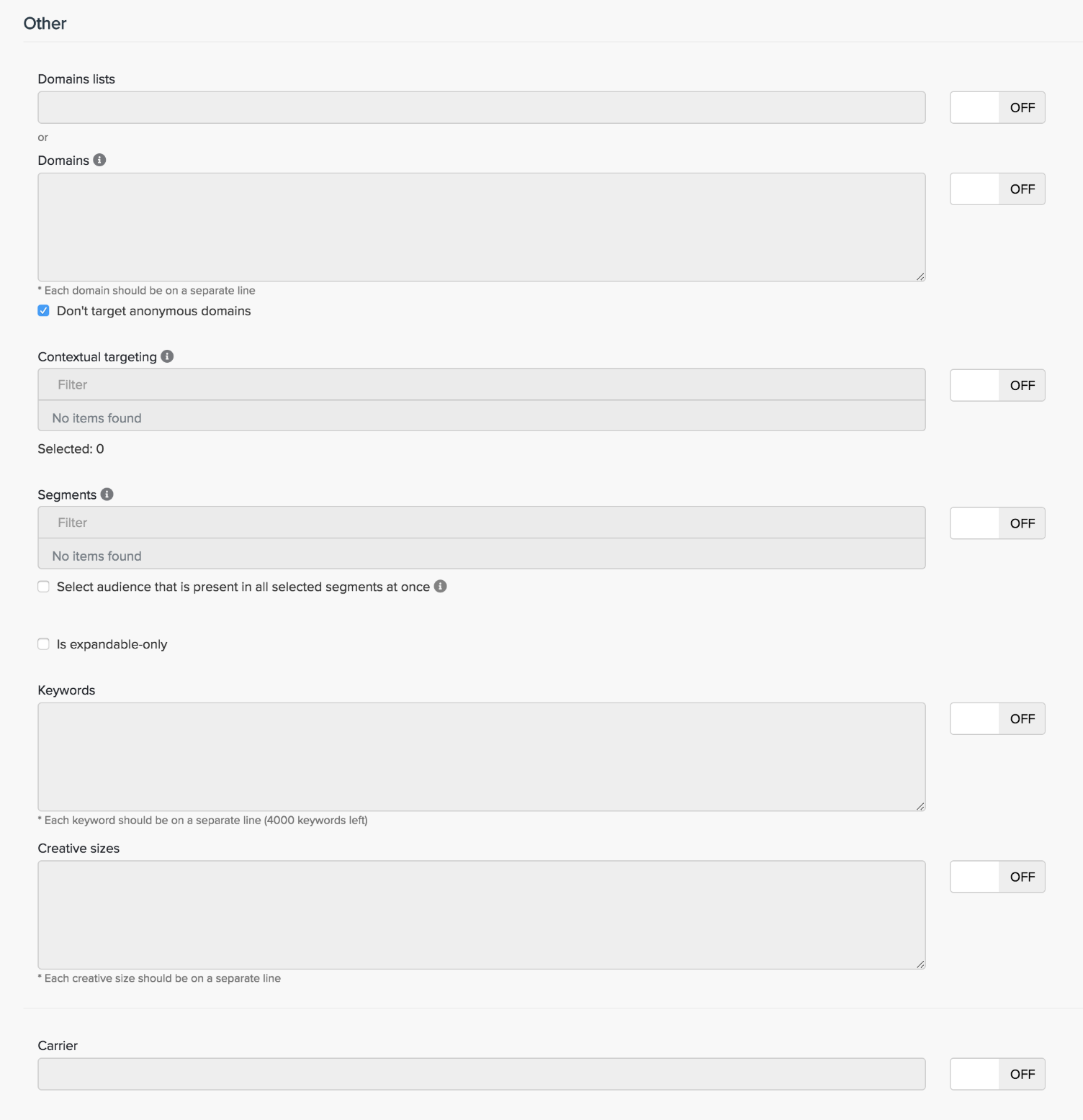
Domains lists - choose custom domains lists (default lists of theme-based Web sites are available). More information about creating a domain list can be found in the section: Domains lists.
Domains - select the domains whose traffic you would like to target in the campaign. The list of domains can be found under the link
If the checkbox "Don’t target anonymous inventory" is active, the campaign will be broadcasted only on open domains.
Contextual targeting - select a context of domains where you are going to launch your campaigns
Segments - selecting specific segments for publishing:
If the checkbox "Select an audience is present in all the segments at once " is active, your creatives will be shown to those who are present in all the segments selected at once.
Is expandable-only - select to use only expandable ad placements.
Keywords - select the keywords to which your target audience corresponds.
Creative sizes
Carrier - select the mobile carrier to be targeted.
Here you can choose desired serving weekdays and hours of your campaigns.
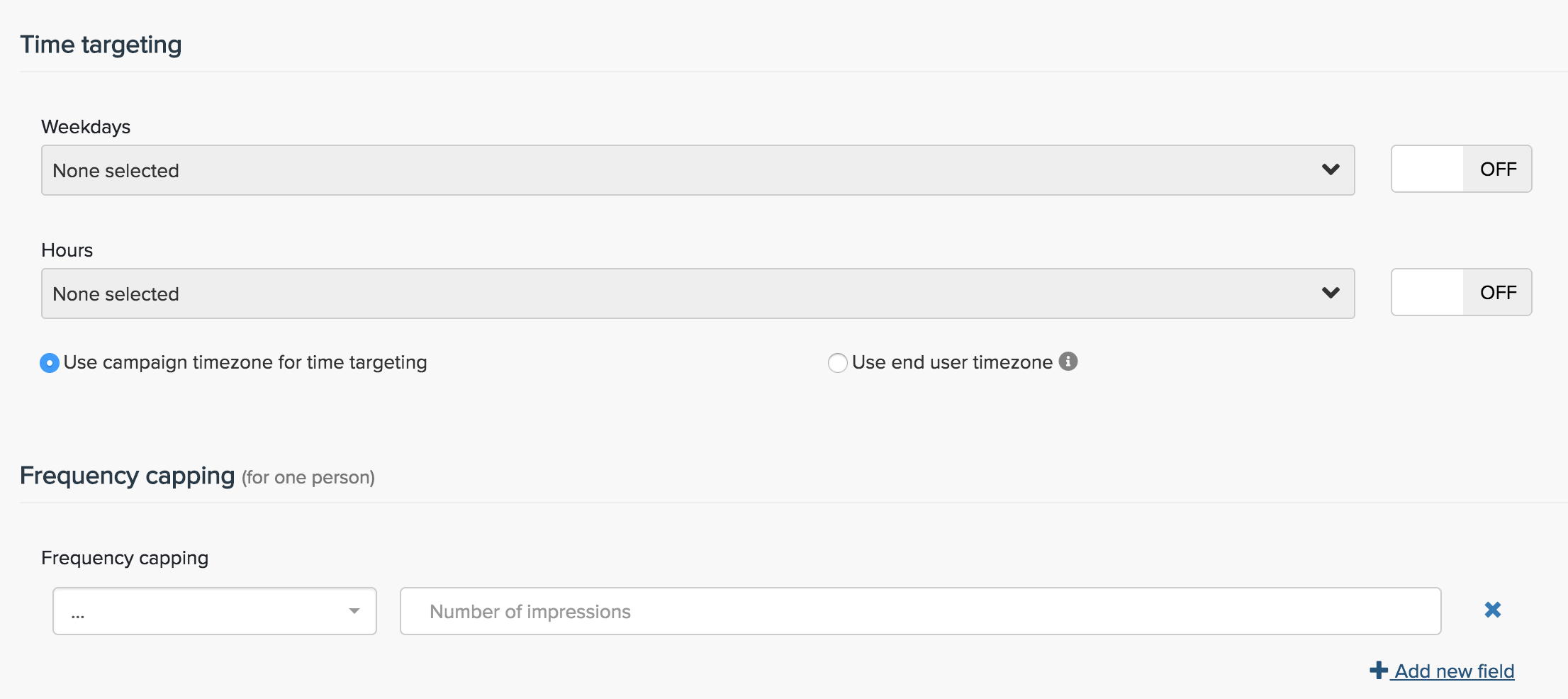
Use campaign timezone for time targeting or Use end user timezone:
Frequency capping - here you are able to choose a number of impressions per hour, day, week or month.
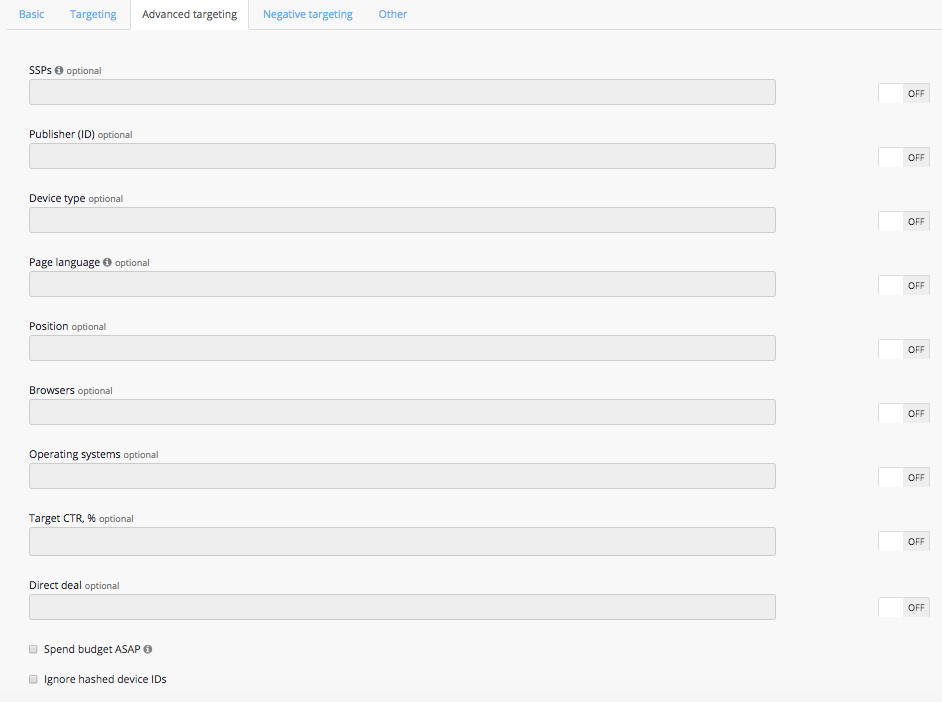
SSPs - select SSPs on which your campaign will be broadcasted. (All the SSPs are selected by default).
Publisher ID - select a publisher on which you would like to broadcast your campaign.
Device type - select types of devices you would like to target.
Page language - select a language page. This information is provided by SSP. This information is not available for all websites in the network, so setting a target may significantly reduce the amount of available traffic.
Position - select a position of a banner on the display page. This information is provided by SSP. This target drastically reduces the amount of available traffic as not every SSP provides this information.
Browsers - select browsers that campaign will target.
Operating systems - select operating systems to target.
Operating systems versions - select versions of operating systems to target. Input e.g. "5" to buy 5.1, 5.2, 5.3, "6" to buy 6.1, 6.2 etc.
Target CTR, % - use this field to set the target CTR. Using this makes sense only when there is an agreement with the client about this value. In all other cases, it is better to use Target CPC in the Pricing section.
Direct deal - use this field to insert direct deal ID for desirable.

Ads.txt status - target your campaigns to a specific Ads.txt status.
If the checkbox "Spend budget ASAP" is active, your campaign will be displayed with maximum possible speed within a specified target and budget. Specify advertisement budget to avoid overspending.
If the checkbox "Don’t target hashed device IDs" is active, your campaign will be displayed only with a non-hashed device IDs (IDFA or AAID). It means that mobile advertising ID should be present.
If the checkbox "Full screen only" is active, your campaign will be displayed on a full screen only ad sizes.
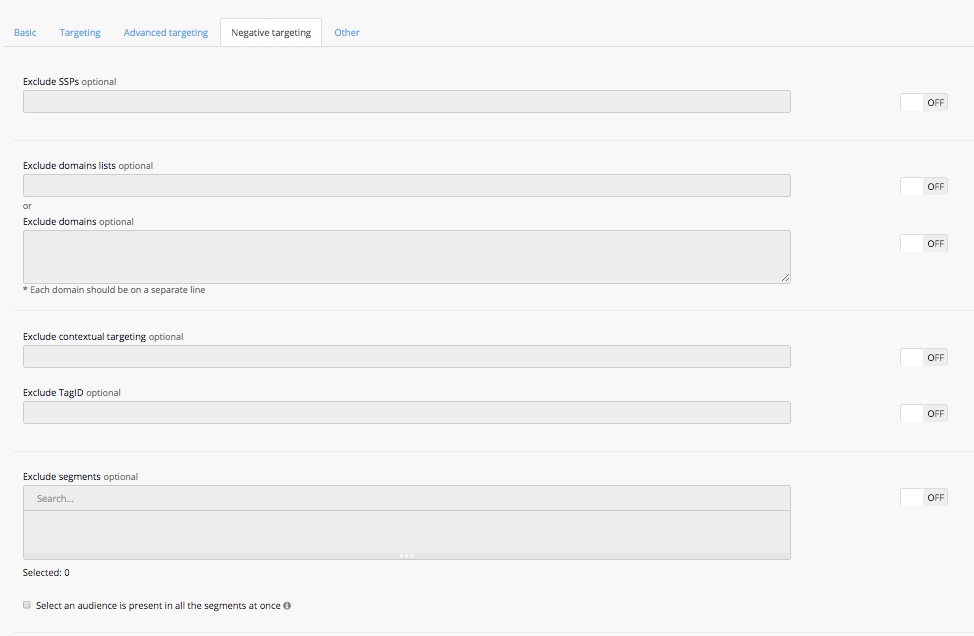
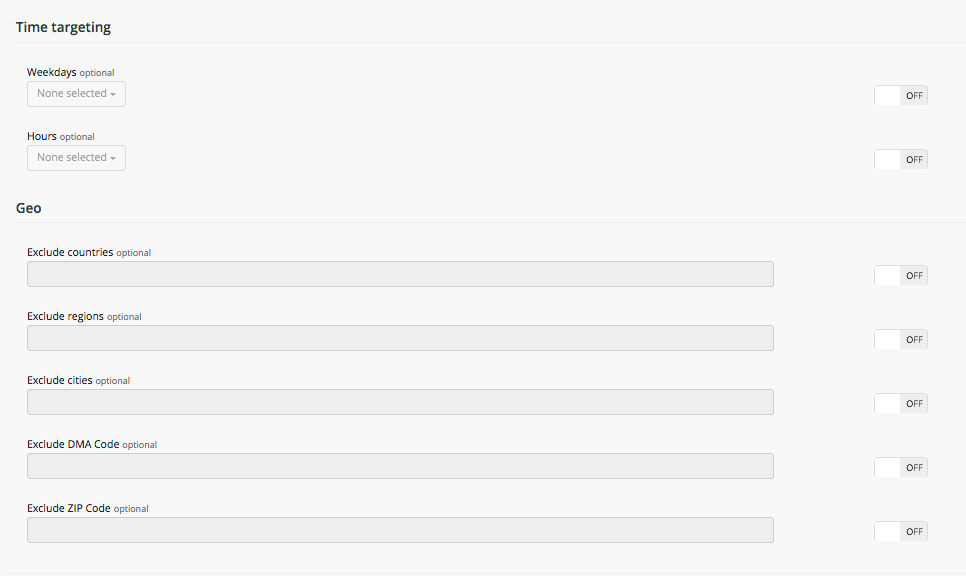
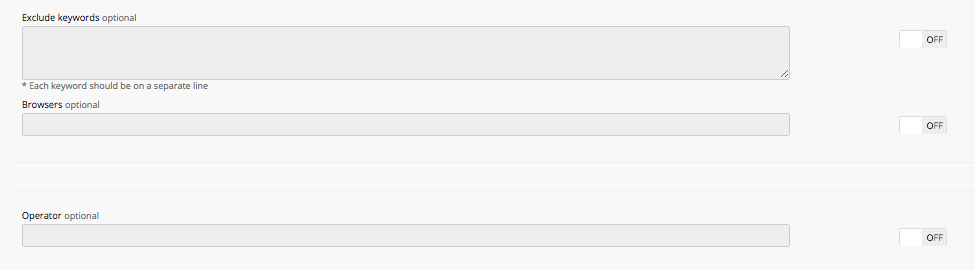
On the "Other" tab you can set some additional rules:
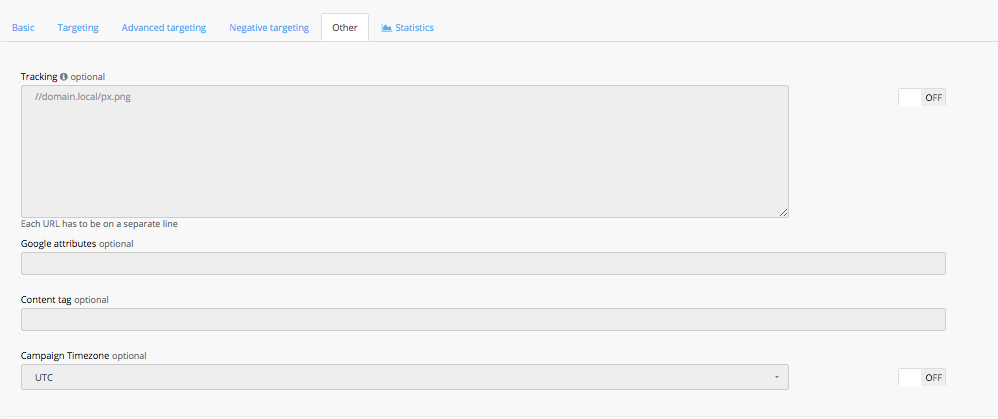
Tracking - you can insert your tracking pixel URL into this field to track impressions (drop "HTTP" from your tracking pixel URL and insert it into the field).
Google attributes - insert Google attribute you want to track. You can see the drop-down list of available attributes inside the field.
Content tag - insert content tags you want to target.
Campaign timezone - set the time zone for your campaign to reflect in the reports. If "Campaign Timezone" wasn't configured - campaigns run in UTC timezone by default.