-
Создана пользователем
 Неизвестный пользователь (aloktev). Последнее обновление: июн. 21, 2018 ( Неизвестный пользователь (kprokopchik))
Время чтения: 1 мин.
Неизвестный пользователь (aloktev). Последнее обновление: июн. 21, 2018 ( Неизвестный пользователь (kprokopchik))
Время чтения: 1 мин.
Self-service DSP Getintent lets you add pixels to track impressions.
Tracking pixel can be added at the campaign level or at the creatives level: Uploading and configuring creatives Creative-level pixel has the highest priority.
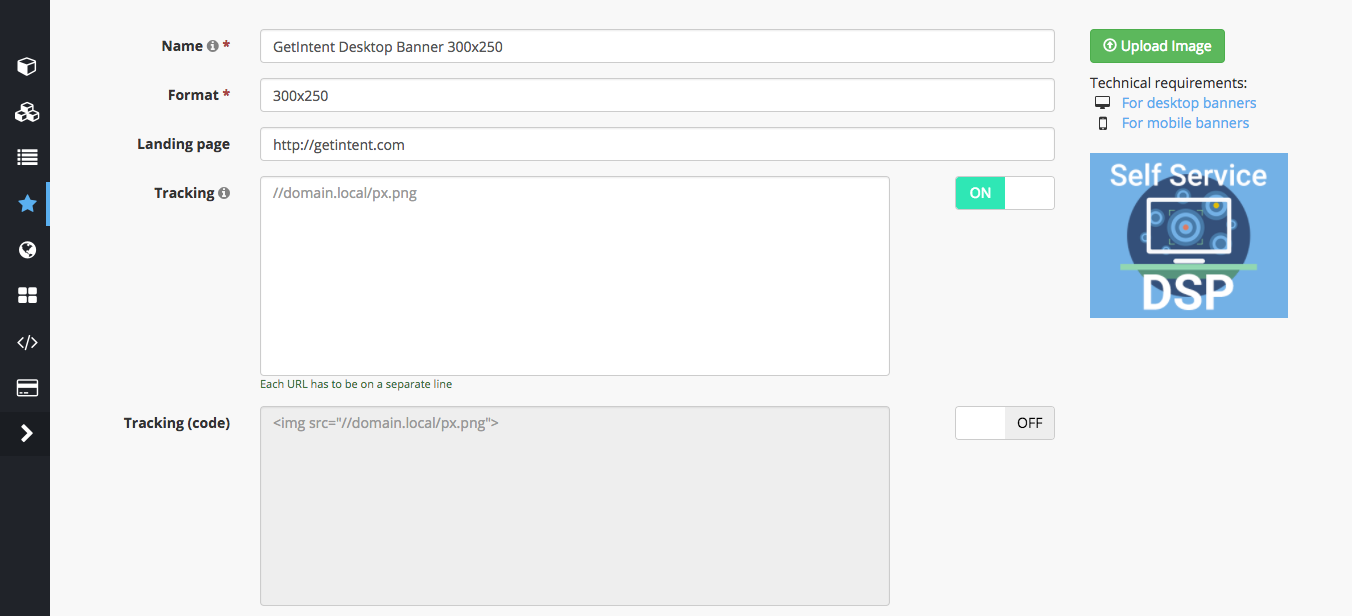
You can see a pixel format tips for each field you choose for pixel adding.
Tracking pixel example
//ad.adriver.ru/cgi-bin/rle.cgi?sid=1&bt=11&ad=111111&pid=1111111&bid=1111111&bn=1111111&rnd=1111111
Tracking code example
<img src="//ad.adriver.ru/cgi-bin/rle.cgi?sid=1&bt=11&ad=111111&pid=1111111&bid=1111111&bn=1111111&rnd=1111111"/>
You can also transfer additional parameters to 3rd-party analytics systems by substituting special Getintent macros Macros for detailed efficiency tracking
Custom tracking code placement
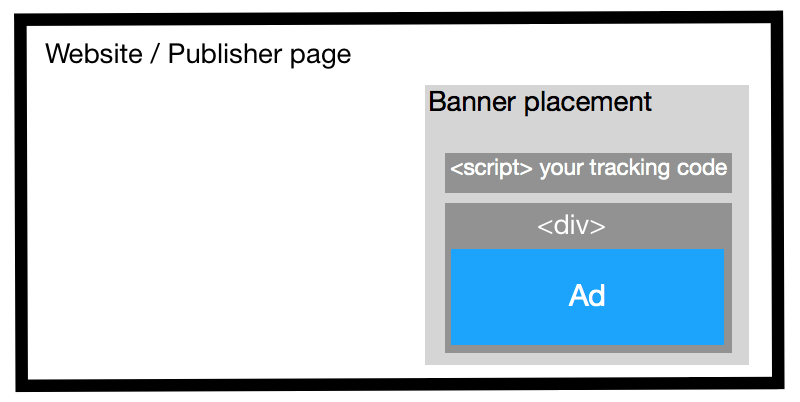
If tracking code should be placed in a parent <div> then add to a creative "specify tracking_code_to_parent_div" parameter with "true" value
{
  "tracking_code_to_parent_div": true
}
Then your tracking code would be placed according the following markup: