-
Создал(а)
 Неизвестный пользователь (aloktev) мар. 29, 2017
Время чтения: 1 мин.
Неизвестный пользователь (aloktev) мар. 29, 2017
Время чтения: 1 мин.
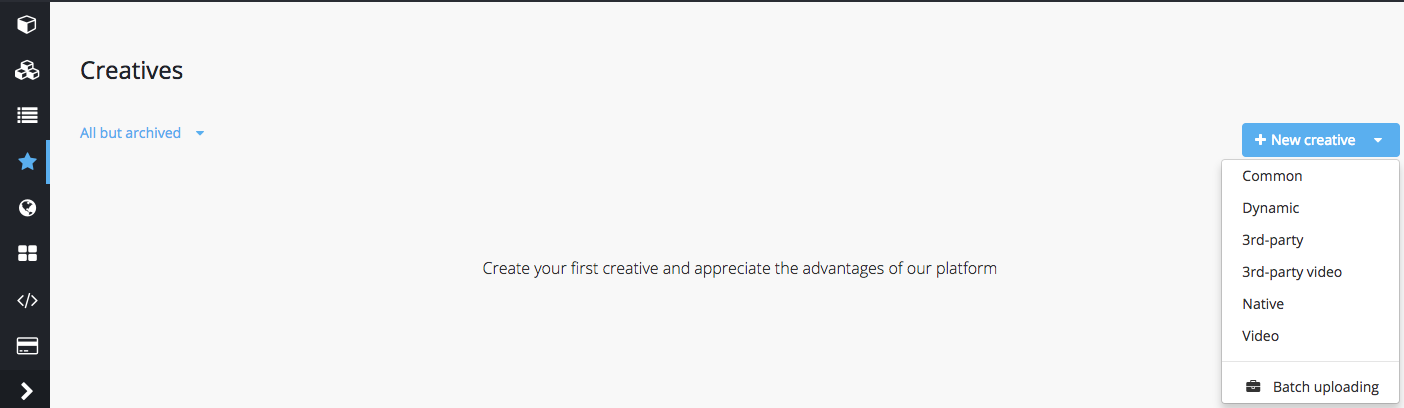
Creative upload menu is accessible via the left section of the GetIntent UI.
To upload a creative, press the New creative button and select the required creative type from the drop-down menu
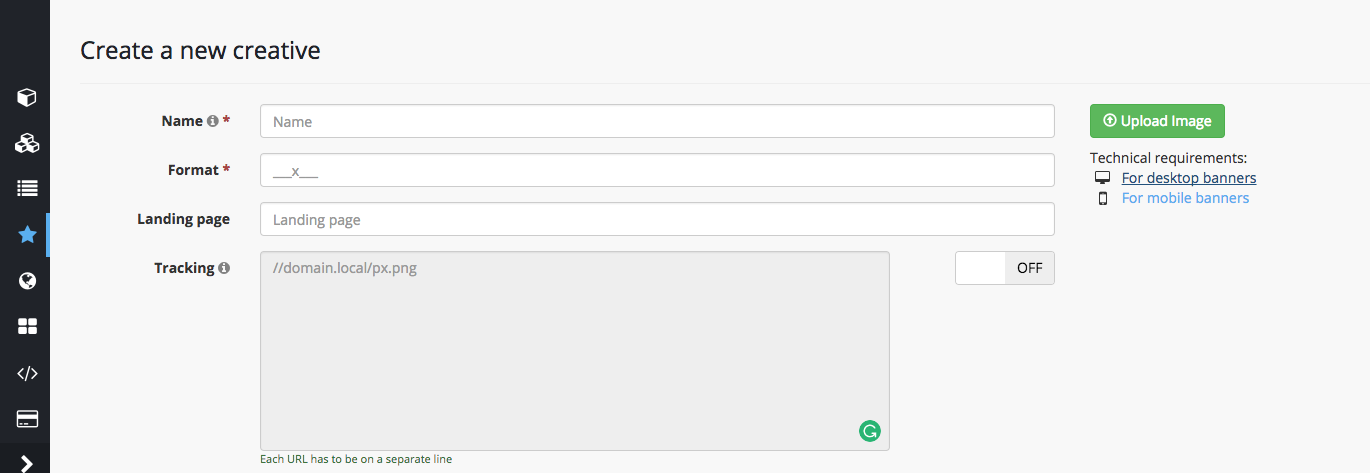
Be sure to check the technical requirements for the selected creative type before uploading files.