
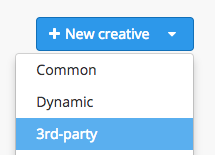
To upload a 3rd-party creative, choose the ‘3-rd party’ option in a menu in the "Creatives" tab.
Then you’ll see the 3-rd party creative adding window:
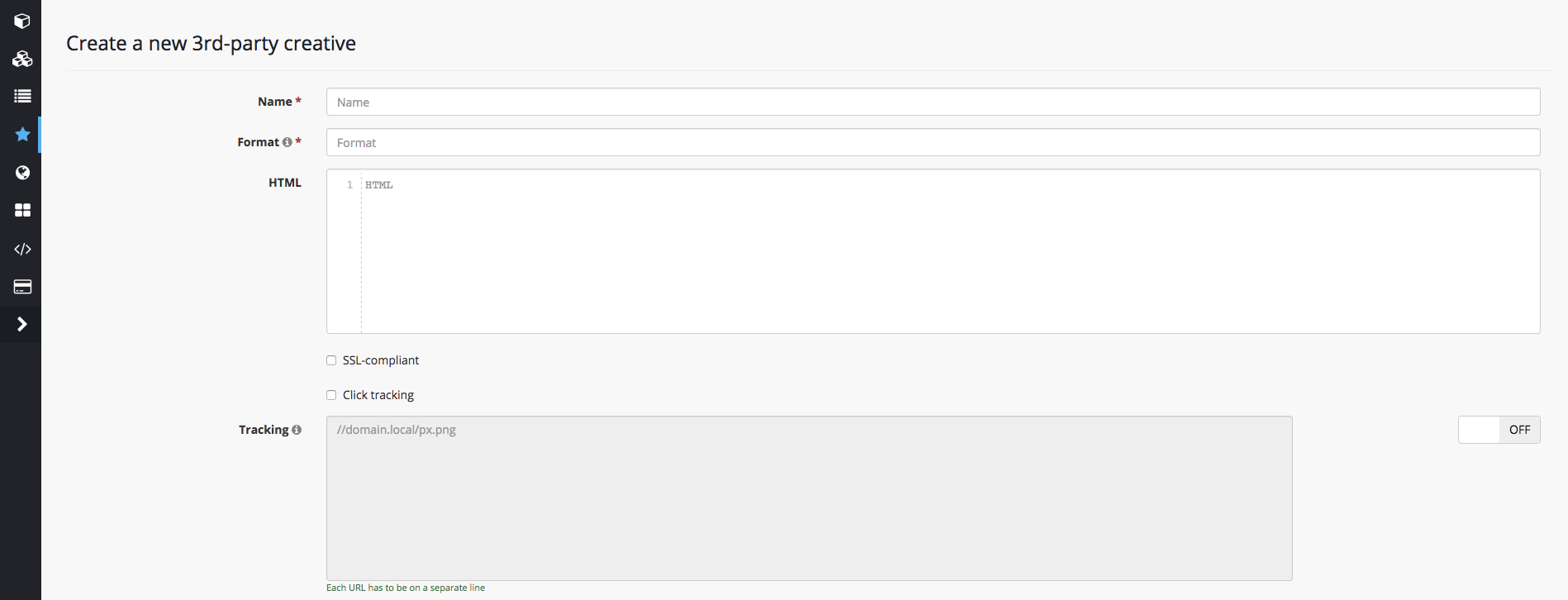
"Name" – enter a creative’s name
"Format" – enter a creative's format (eg: 240x400).
NB! Third-party creative must fit only one format.
"HTML" – enter an ad’s code
"SSL-compliant" checkbox – fill it tick if a creative’s code works with the code of your creative supports https.
NB! It While using a non-SSL creative doesn’t work with https but the active checkbox, the end-user might not see the ad on https:// websites, while the impression will still be counted in campaign statistics. Do not tick the checkbox unless your creative is SSL-compilant.
is active, an ad is going to be called but it’s content won’t be shown on https websites => this impression will be shown in statistics but in fact user won’t see an ad.
For proper functioning of 3-rd party creatives in Self-service DSP Getintent you must add a click macro ( [[CLICK_PREFIX]] or [[CLICK_PREFIX_ENCODED]]). It is needed for click tracking and using Target_CPC strategy. Also, if If the click macro is absent it might be the reason of blocking on some SSPs and our partner’s websites.partner websites may block the creative.
NB! Every 3-rd party system has its own rule for click macro adding. For correct adding of click macro implementation you need to contact technical team of a your code provider platform.